GPS Logger
(GPS Logger need to purchase separately)
When connected to the camera, it will record the speed and
location of your vehicle as you drive.
You can then access this information while playing back your
recordings using the GPS Video player (For windows and Mac,
available at rexingusa.com).
The dash cam will automatically search for the GPS
signal once it’s connected to the power source.
Press the Setting button and go to System Settings.
Toggle the GPS Speed Unit setting, and select your favorite
speed unit.
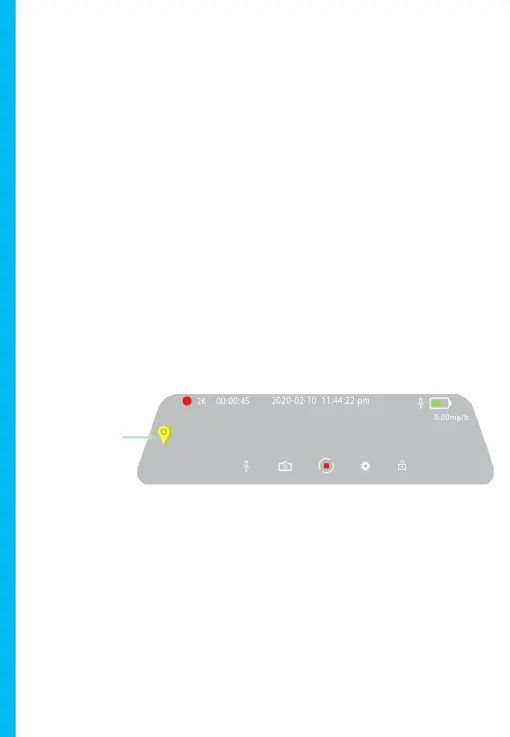
After a GPS signal is found, the screen icon will turn from not
connected to active - as per the below icons.
Parking Monitor
Please visit www.support.rexingusa.com to watch a video tutorial.
GPS Signal
18



 To Next Page