EasyManua.ls Logo

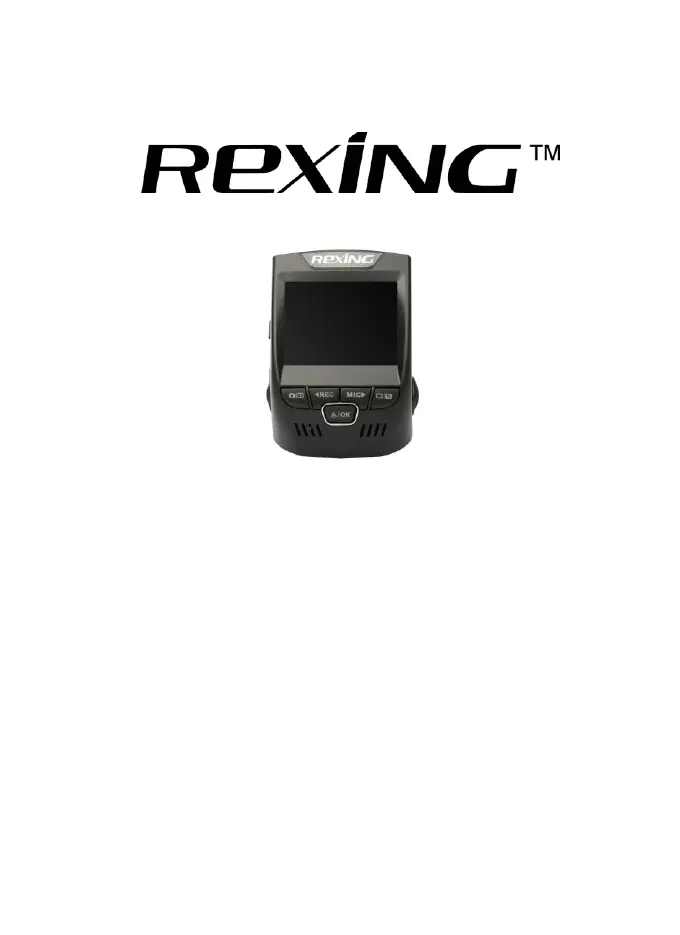
Rexing V1 - User Manual

Rexing V1
52 pages
Print Icon
To Next Page IconTo Next Page
Loading...
1
© 2015
REXING
A
ll Righ
ts
Re
s
er
v
ed
.
USER MANUAL
All brand and product names are trademarks or registered trademarks of
SHENZHEN JIAFENG ZHUOYUE DIGITAL COMMUNICATION
TECHNOLOGY CO., LTD.
The information in this manual is subject to change without notice.
www.rexingusa.com 03/2016R1.0

Other manuals for Rexing V1

Questions and Answers

Summary

Safety Information

Warning

Safety warnings and regulations can result in serious injury or death if not complied with.

Cautions and Precautions

General Cautions

Failure to comply with safety precautions can result in property damage or serious injury/death.

Handling and Storage Precautions

Device Handling

Avoid impact, crushing, puncturing, and improper disposal of the device.

Product Specifications

Getting Started

Understanding Your V1 Dashboard Camera

Button Functions

Explains the functions of each button and their hot key operations.

Installing Your V1 Dashboard Camera

Charging the Battery

Charging Procedure

Steps to charge the device using the USB car charger port.

Inserting the Memory Card

Removing the Memory Card

Formatting the Memory Card

Formatting Procedure

Steps to format the memory card using the device.

Operating Your V1 Dashboard Camera

Turning Device On and Off

Instructions on how to power the device on and off manually or automatically.

Playback Mode (Video)

Steps to play back recorded video files on the device.

System; Video Settings

Gravity Sensing

How gravity sensing locks files during impacts.

Date;Time Setup

Procedure to change the device's time and date.

Restore Default Factory Settings

Resets device settings to original values, losing customizations.

System; Video Settings

Loop Recording

Explanation and setup of loop recording mode.

Format Memory Card

Instructions for formatting the memory card, warns about data loss.

System; Video Settings

Recording Audio

Options to record audio with video or mute the microphone.

Operating Your V1 Dashboard Camera

Photo Settings

Resolution Setting

How to set the pixel resolution for captured images.

Photo Settings

Updating Firmware

Firmware Update Procedure

Steps to download and install firmware updates from the Rexing website.

Driving Recorder Player Instruction

General Troubleshooting

Image Storage and Responsiveness Issues

Troubleshooting for images not stored, buttons unresponsive, and device not turning on.

Power and Recording Issues

Solutions for unexpected screen power off and inability to record videos.

General Troubleshooting (continued)

Recording and File Errors

Troubleshooting for recording stops, file errors, and memory card issues.

Rexing V1 Specifications

General IconGeneral
Image Sensor5MP CMOS
LensFixed-focus with full-glass elements
ApertureF = 2.8
ShutterElectronic
White BalanceAuto
ExposureAuto ISO
CPUNovatek
Gravity SensorLow / Medium / High / OFF
LCD2.4 inch, 4:3 TFT
Video FormatMOV
Video Resolution1920x1080P30, 1280x720P30, 848x480P30, 640x480P30
Screen Saver15 Secs / 1 min / 3 min / OFF
AudioBuilt-in high-sensitivity microphone/speaker
Microphone MuteON / OFF
External MemoryClass 10 or above MicroSD card (SDHC spec. up to 32G)
TV InterfaceNone
USBUSB 2.0
Battery320mAh 3.7V rechargeable lithium ion battery
LanguagesEnglish, Chinese, French, Spanish, Portuguese, German, Italian, Russian, Japanese
Loop Recording3 min / 5 min / 10 min / OFF
Auto Shutdown3 min / 5 min / 10 min / OFF

Related product manuals