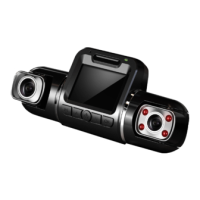
Need help?
Do you have a question about the Rexing V2 PRO and is the answer not in the manual?
Instructions for mounting the front camera to the windshield.
Steps for correctly inserting a Micro SD memory card.
Guide on how to format the memory card for optimal performance.
Instructions on connecting the device to a power source.
Explains automatic recording and display controls.
Steps for reviewing recorded footage on the device.
Instructions for connecting the dash cam to a mobile device via Wi-Fi.
Settings for video resolution and loop recording mode.
Operations to format memory card and reset device to defaults.
Step-by-step guide to update device firmware.
Contact details for support and channels for user feedback.
 General
| Brand | Rexing |
|---|---|
| Model | V2 PRO |
| Category | Dash Cameras |
| Language | English |


 To Next Page