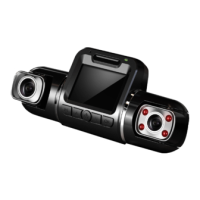
Operating your V2 Dashboard Camera
Settings
21
Photo Settings
On Photo Mode, Press MENU button once open System Settings Menu.
Capture Mode
Recommend setting: Single
With this feature you can set a timer for automatically capturing images.
Resolution
Recommend setting: 5M
This option allows you to set the pixel resolution for captured images.
Quality
Recommend setting: Fine
This option allows you to set the quality level of captured images.
(Lower quality images take up less space on the memory card.)
Sharpness
Recommend setting: Normal
This feature will automatically enhance captured images for a clearer, more
distinct picture.
White Balance
Recommend setting: Auto
This setting allows you to adjust the lighting balance for different environments.



 To Next Page