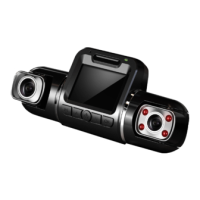
Operating your V2 Dashboard Camera
Settings
22
Color
Recommend setting: Color
This feature allows you to choose a color effect for captured images.
ISO
Recommend setting: Auto
This setting enable you to adjust the camera's sensitivity to light when taking
photos. The higher the number, the greater the light sensitivity.
Exposure Comp
Recommend setting: +0.0
This setting allows you to adjust the brightness level of captured images.
Anti-Shaking
Recommend setting: On
This feature enables the image stabilizer function to reduce blurring of captured
images.
Quick Review
Enabling this feature will allow you to immediately view each captured image for
a few seconds before taking the next photo.
Date Stamp
Recommend setting: Date/Time



 To Next Page