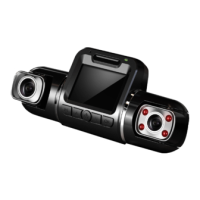
Buttons
3
Buttons
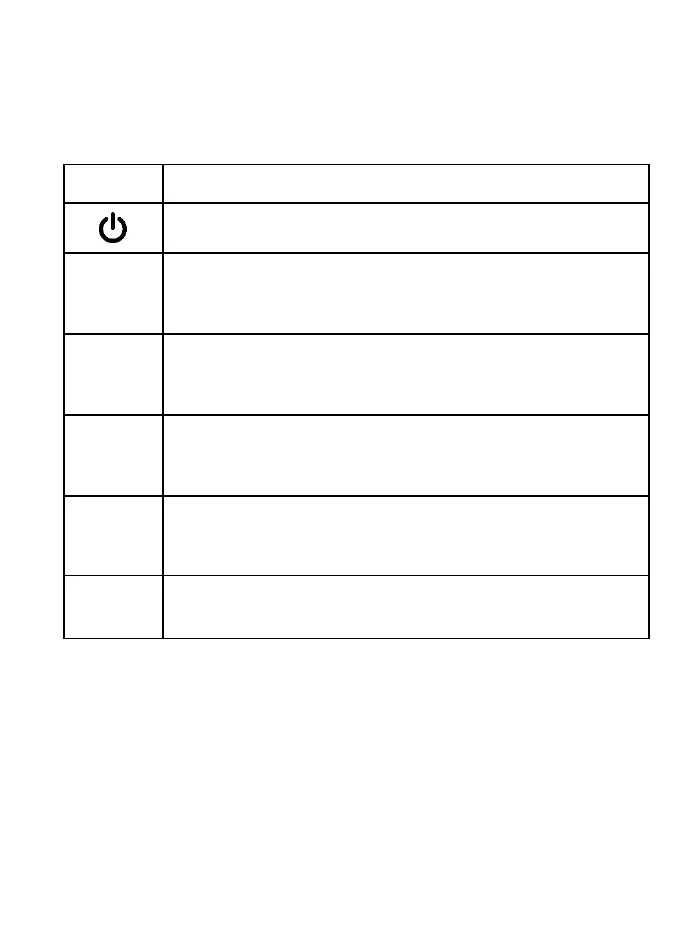
Button Functions
• Press to turn on or off screen
• Hold to turn the device on or off
OK
• Press to confirm a selection while in Setting Mode
• Press to start / stop recording
M
• Press to enter or exit Settings Mode
• Hold to switching among Recording Mode
▲
• Press to navigate UP through options in Settings Mode
• Press to manually lock the file while recording
• Hold to reorient the rear camera
▼
• Press to navigate DOWN through options in Settings Mode
• Press to mute / un-mute the microphone while recording
Indicator
Solid Red – Power, Charging
Flashing Blue – Recording



 To Next Page