25
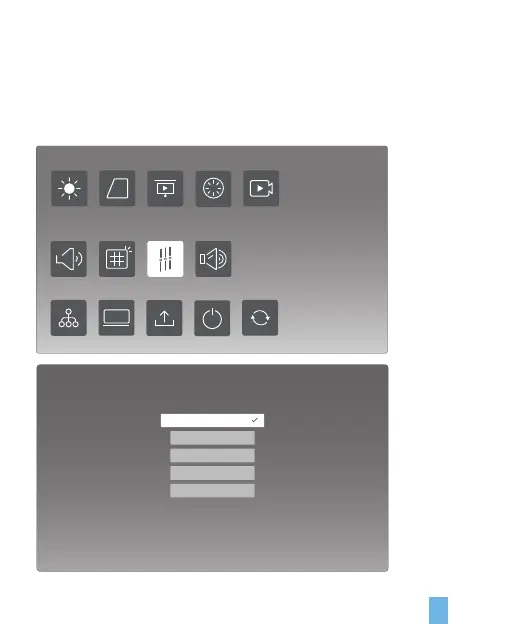
1. Sound Output: Output of Digital Audio (RAW / PCM / Off)
2. Key Tone: Open / Close
3. Sound Effect: Standard / Music / Movie / Sport / User
4. Starting-up Sound: Open / Close
Sound Settings
Graphic settings
Sound settings
Brightness mode Kestone Pojection mode Nonpolar zone Video mode
System settings
Boot signal Device info System update Boot mode Restore factory
Sound effect
Music
Movie
Theatre
User
Standard


 To Next Page