27
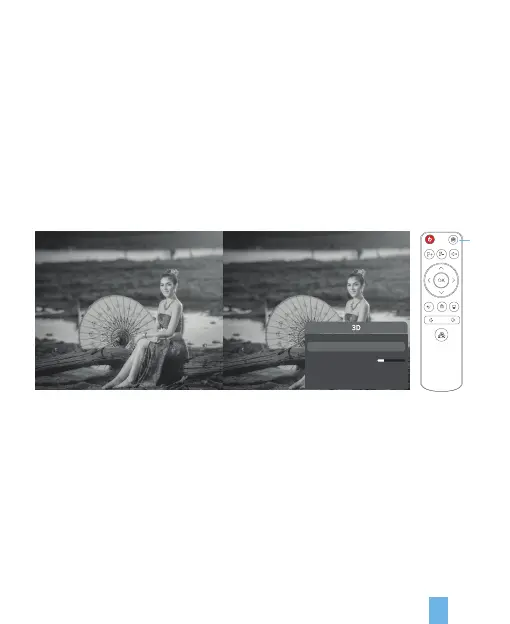
You can watch 3D movies on the projector by using 3D glasses;
1. When the PK2 projection is applied, the 3D effect can be displayed by using
DLP-Link;
2. 3D glasses must be rechargeable;
3. There are film sources in up-down format and film sources in side-by-side format
when playing 3D videos;
4. When playing film sources in side-by-side format, it requires pressing “3D” button
on the remote control to pop up the menu and then select “side-by-side” and then
wear 3D glasses and turn on the Power Supply of 3D gasses to switch to
side-by-side format until you feel comfortable.
Note:
3D cannot be switched in trapezoid correction mode.
3D
16
3D Switch
3D Depth Resolution
Left/Right Screen Switch
OFF
OFF


 To Next Page