11
EN
ET
LV
LT
RU
BG
HE
Inserting and removing your hearing instrument
For side recognition ask your Hearing Care
Professional to apply colored markers in the bat-
tery compartment. If the marker in the battery
compartment is in red, the hearing instrument is
intended for the right ear. If the marker is in blue,
the hearing instrument is for the left ear.
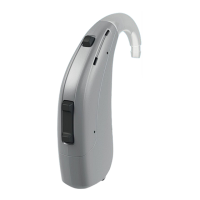
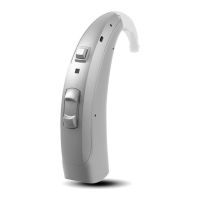
Handle your hearing instrument by holding the
dome/receiver mold/custom shell. Do not pull the
tube.
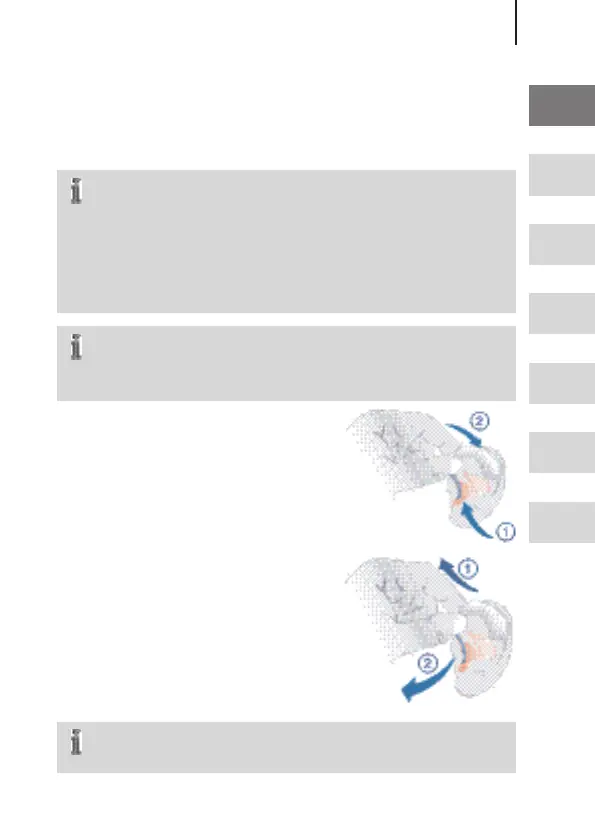
Inserting
Insert the dome/receiver mold/
custom shell.
Place your hearing instrument
behind the ear.
Removing
Remove your hearing instrument.
Pull the dome/receiver mold/
custom shell carefully out.
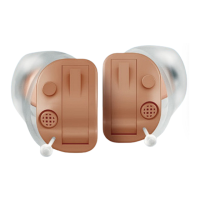
The custom shell can be removed by pulling the
small removal cord toward the back of your head.
Inserting and removing your
hearing instrument




 To Next Page