5.7.3 Running a cycle
1. Open all water supply taps (cold and hot water)
and steam + condensate valves in steam model machine.
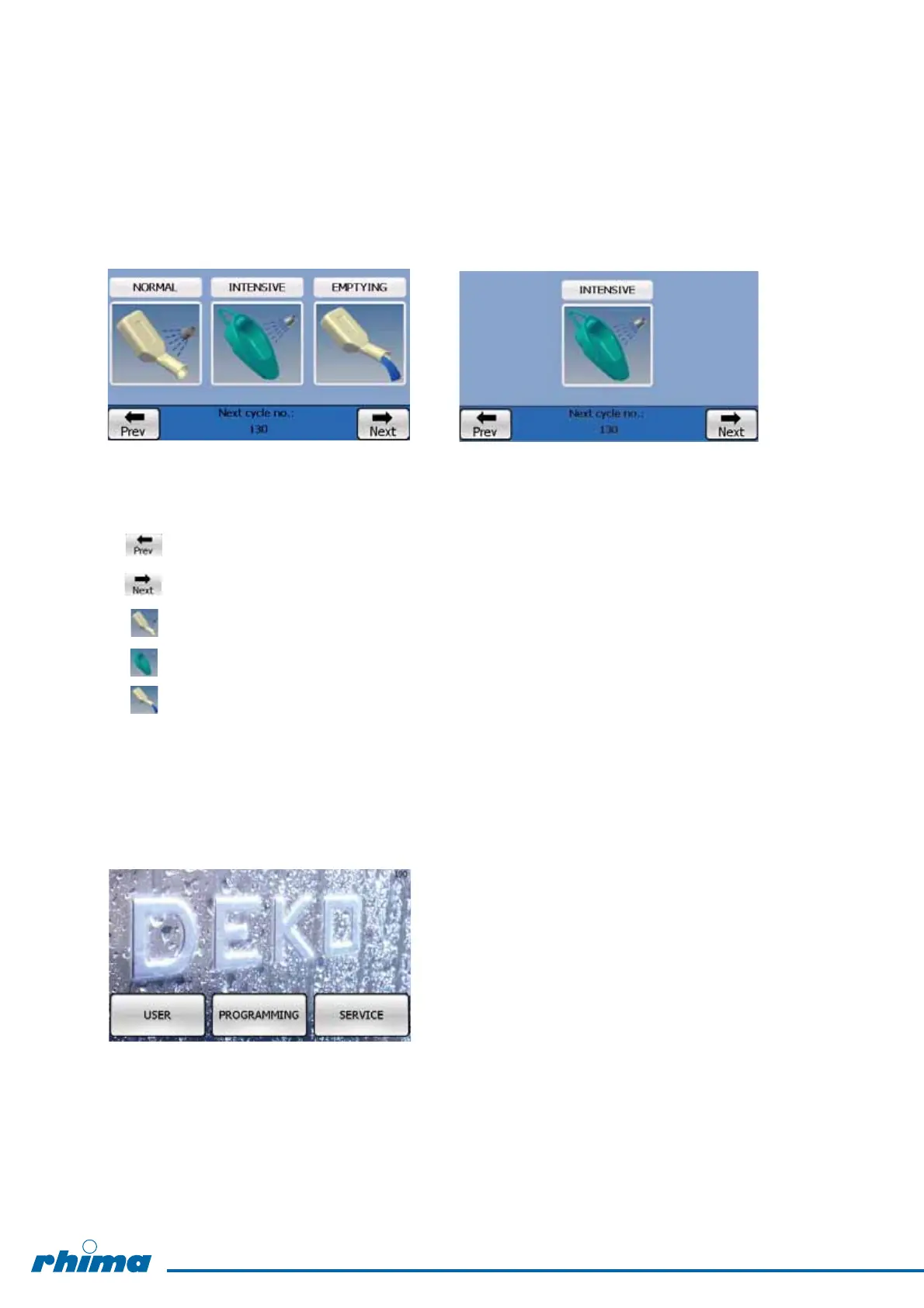
2. Switch the machine ON, after ca. 1.5 min the following display appears and
the machine is ready for use => see 4. RUN mode.
Standard user’s run mode Adapted user’s mode (one start key only)
= back to previous display (main menu)
= to next display
= to start NORMAL cycle
= to start INTENSIVE cycle
= to start EMPTYING cycle
The next cycle number can be seen on the bottom of the display.
3. By pressing “Prev” key “back to previous display” other modes can be selected.
USER = cycle running mode
PROGRAMMING = cycle programming mode (password required)
SERVICE = service mode (password required)
16


 To Next Page