14 -
5.7 E-Book
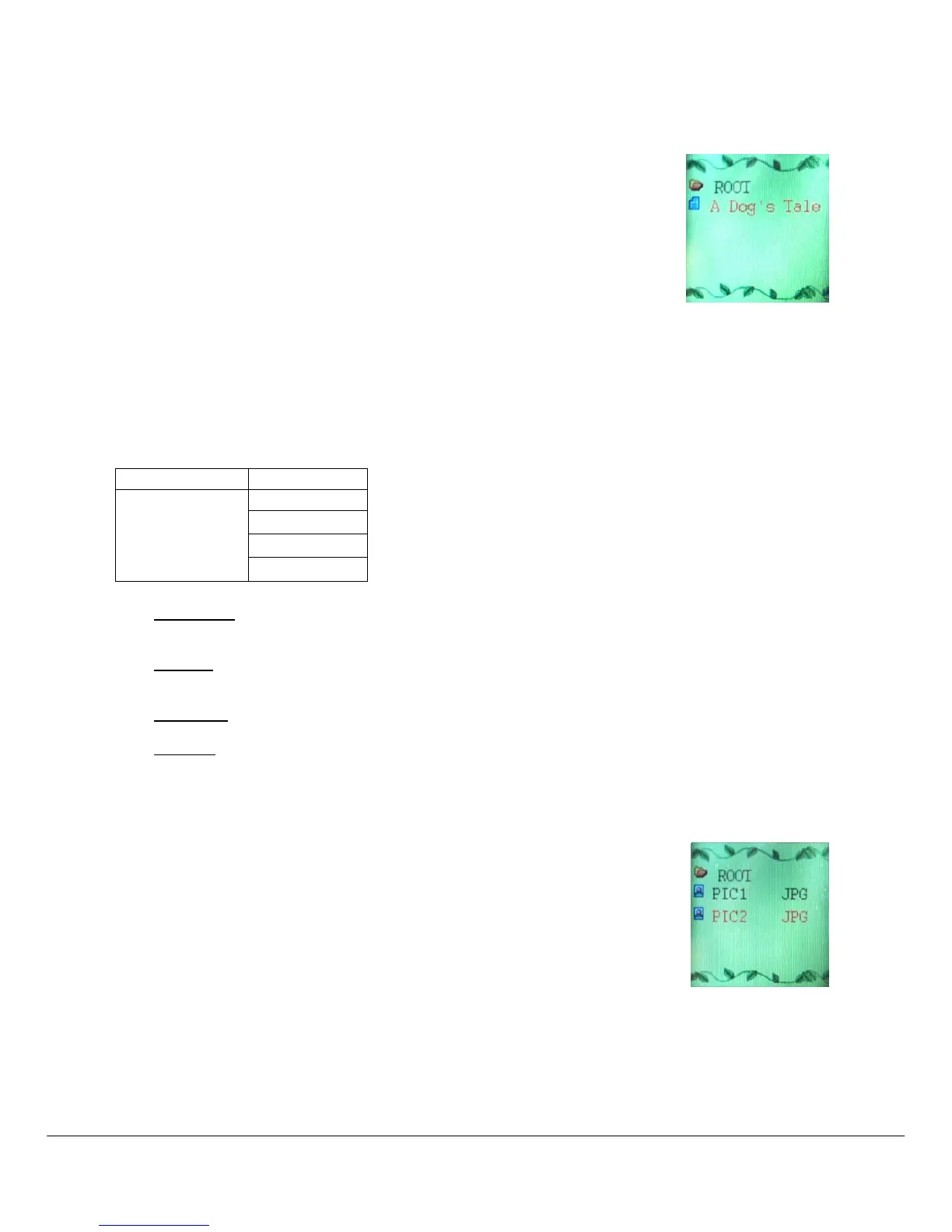
The Ebook option allows reading text file. To activate this option please follow here
below instruction:
1. Power ON the MP4 Player, the screen will display the main menu.
2. By using the [] or [] buttons select E-book, and then press PLAY []
button to confirm
3. Use [] or [] buttons to choose the file
4. Press PLAY [] button to start reading the file
5.7.1 E-Book Submenu
By short pressing the MENU [M] button, you can find the following music submenus. Press [] or [] to
choose, and then press PLAY [] key to confirm each submenus. Use the same technique to navigate
inside each of the submenus.
Local Folder:
Under this directory, you can choose to go up a folder level by pressing PLAY [] to confirm. And
then you can choose to folder you want to play
Play Set:
You can choose between manual play and auto play. For auto play, you can set the playing time from
1 to 10 seconds for each page of the E-book.
Delete File:
Delete specific text file you want.
Delete All:
Delete all text files using this option.
5.8 ALBUM (Photo Viewer)
The Photo option allows viewing photos. To activate this option please follow here
below instruction:
1. Power ON the MP4 Player, the screen will display the main menu.
2. By using the [] or [] buttons select ALBUM, and then press PLAY []
button to enter the PHOTO MENU.



 To Next Page