7 -
5.2 Music Mode
The music player option allows playing songs. To activate this option please
follow here below instruction:
1. Power ON the MP4 Player, the screen will display the main menu
2. By using [] or [] buttons, select MUSIC PLAY option then press
[PLAY] button.
3. Press PLAY [] button to start to play the first song available.
5.2.1 Key Function at Music Mode
During the song play it is possible to activate the following controls.
Press the play [] to start to play a song. Press the play button again to
pause the song. To restart to play the song press play button again.
Hold the play button for longer time will eventually turn off the player
Press [] or [] to select the previous or the next song.
Press and Hold the [] or [] buttons to rewind or fast forward the song.
Press [VOL+] button to increase the volume and press [VOL-] button to
decrease the volume.
Press and hold [VOL+] button to activate the speaker; press and hold [VOL-]
button to de-activate the speaker.
5.2.2 Music Submenu
By short pressing the MENU [M] button, you can find the following music submenus. Press [] or [] to
choose, and then press PLAY [] key to confirm each submenus. Use the same technique to navigate
inside each of the submenus.
Local Folder:
Under this directory, you can choose to go up a folder level by pressing PLAY [] to confirm. And
then you can choose the folder you want to play
Delete File:
Delete specific song you want.
Delete All:
Delete all music files using this option.
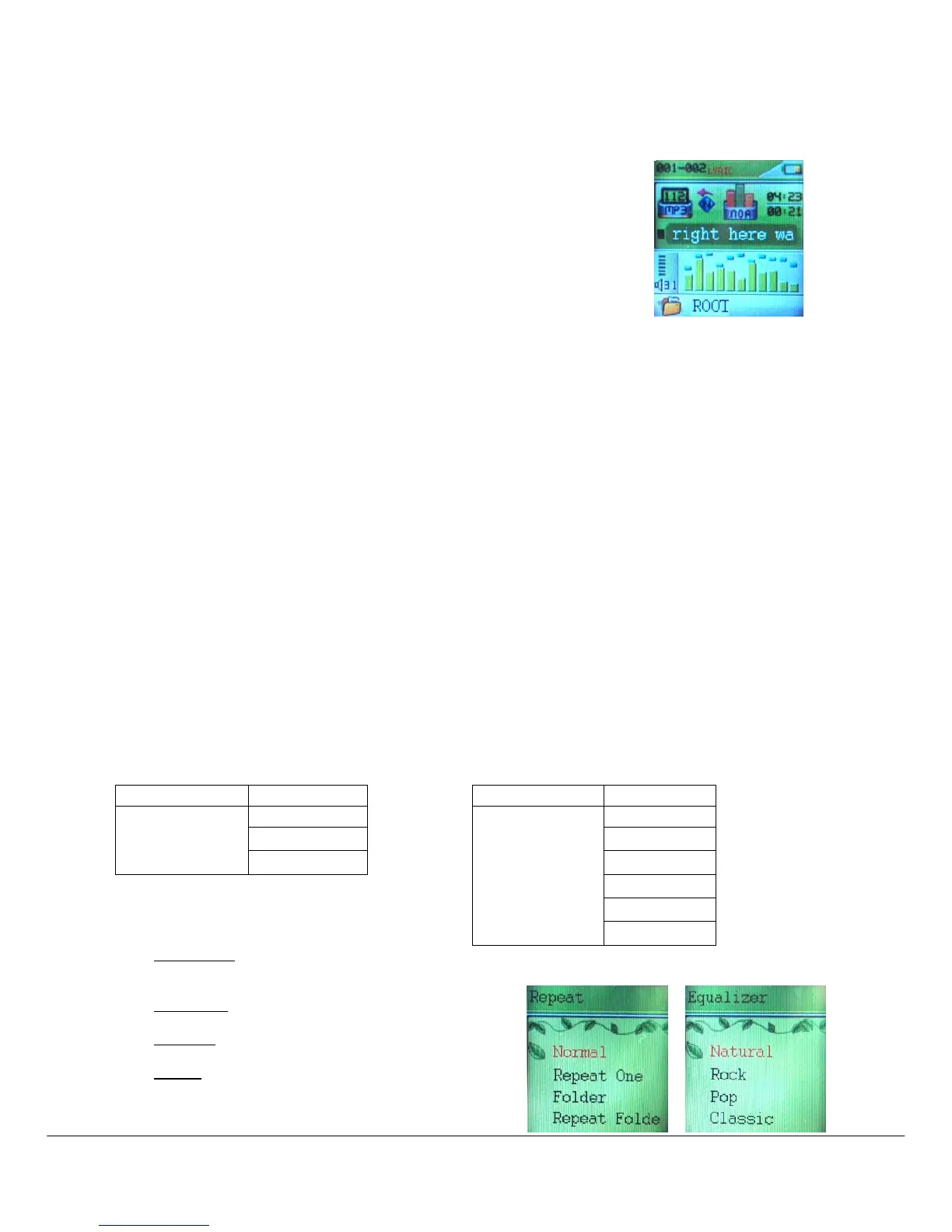
Repeat:
Seven repeat modes are listed including Normal,
Repeat One, Folder, Repeat Folder, Repeat All,
Random and Intro.



 To Next Page