EasyManua.ls Logo

Richard Wolf ENDOCAM Logic HD - User Manual

Default Icon
60 pages
Print Icon
To Next Page IconTo Next Page
Loading...
GA-A282 / en-US / 2019-06 V5.0 / ECO 2019-0162
(
2019-04 V11.0 / PK19-9476)
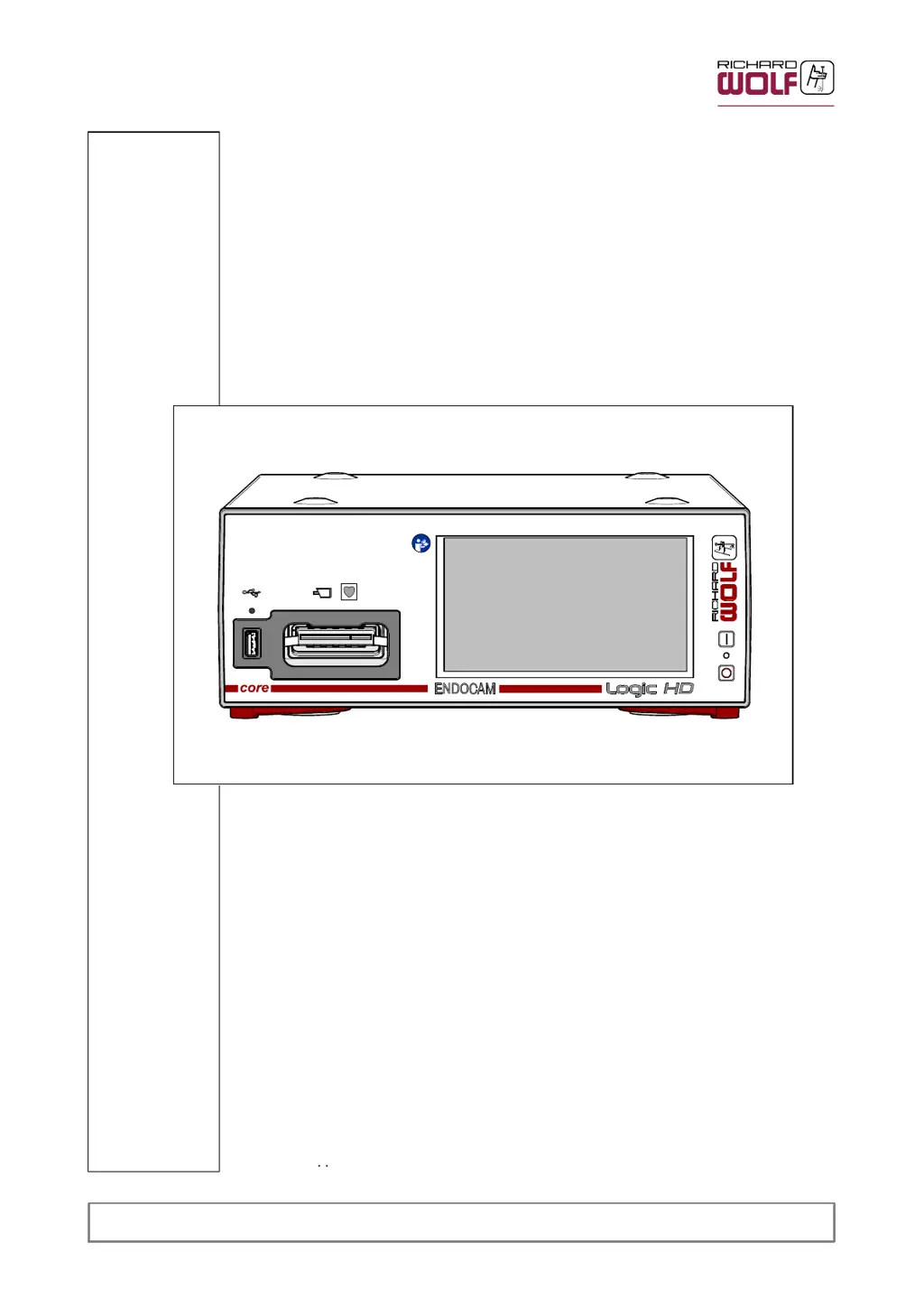
Logic HD Camera Controller
ENDOCAM
552510x
Instruction Manual

Table of Contents

Questions and Answers

  • M
    Meghan WoodsAug 10, 2025
    What to do if there is no image on 3G-SDI or HDMI output on Richard Wolf Medical Equipment?
    • B
      Bryan FrankAug 11, 2025
      If there's no image on the 3G-SDI or HDMI output, first, check the video cable connection between the camera output connector and the monitor. If that's not the issue, it could be due to no power supply; in this case, try connecting a different video interface or one with a different video standard to the monitor. If the LCD monitor cannot display the preset digital video format, adjust the LCD monitor or HDTV signal in the setup of the camera controller correctly. If none of this helps, the camera head or controller may be defective and should be returned for repair.
  • J
    Jimmy BellAug 26, 2025
    Why is the image too bright on my Richard Wolf Medical Equipment?
    • H
      hornejamesAug 26, 2025
      If the image is too bright, it could be due to several reasons. First, check whether the suitable profile for this application has been selected on the monitor. If not, readjust contrast and brightness on the monitor. Also, ensure that the automatic brightness control (ELC) function is switched on, as deactivation can cause the image to appear too bright.

Richard Wolf ENDOCAM Logic HD Specifications

General IconGeneral
BrandRichard Wolf
ModelENDOCAM Logic HD
CategoryMedical Equipment
LanguageEnglish

Related product manuals