Other Print Operations
74
3
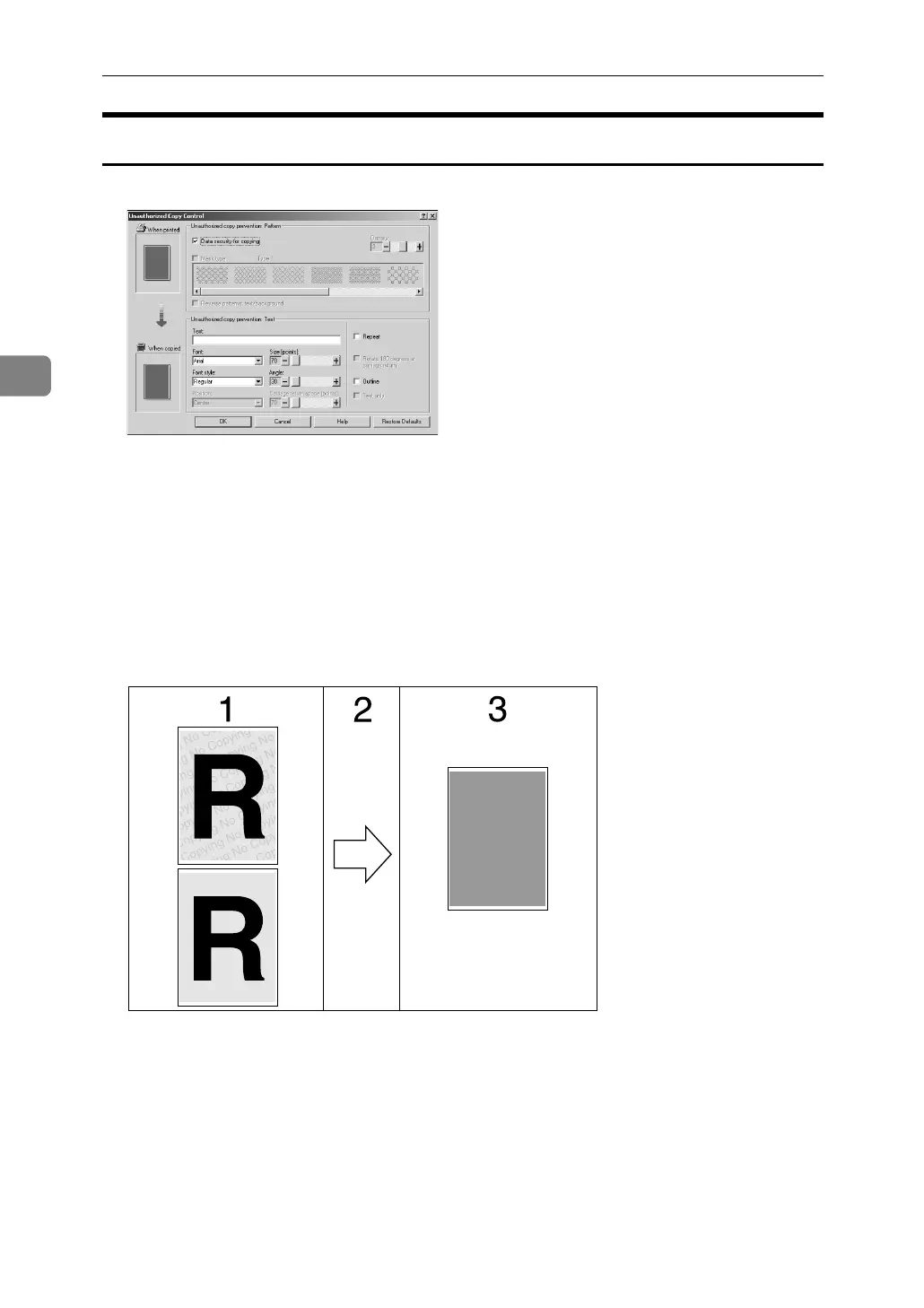
Using [Data security for copying]
You can embed a pattern by setting it in the printer driver.
❖ Setting [Data security for copying] in the printer driver
• Select the [Data security for copying] checkbox. You can also enter the text in
the [Text:] box.
• You cannot select the [Mask type:] checkbox at the same time.
• To print a document protected by gray overprint, the machine must be set
up correctly. Consult your administrator.
❖ Printing a document using [Data security for copying]
1. The pattern and text you have set
is printed.
2. The document is copied or stored
in copiers/multifunction machines
which the optional Copy Data Secu-
rity unit is installed.
3. The document is blanked by gray
overprint.
AJL030S











 To Next Page