Other Print Operations
76
3
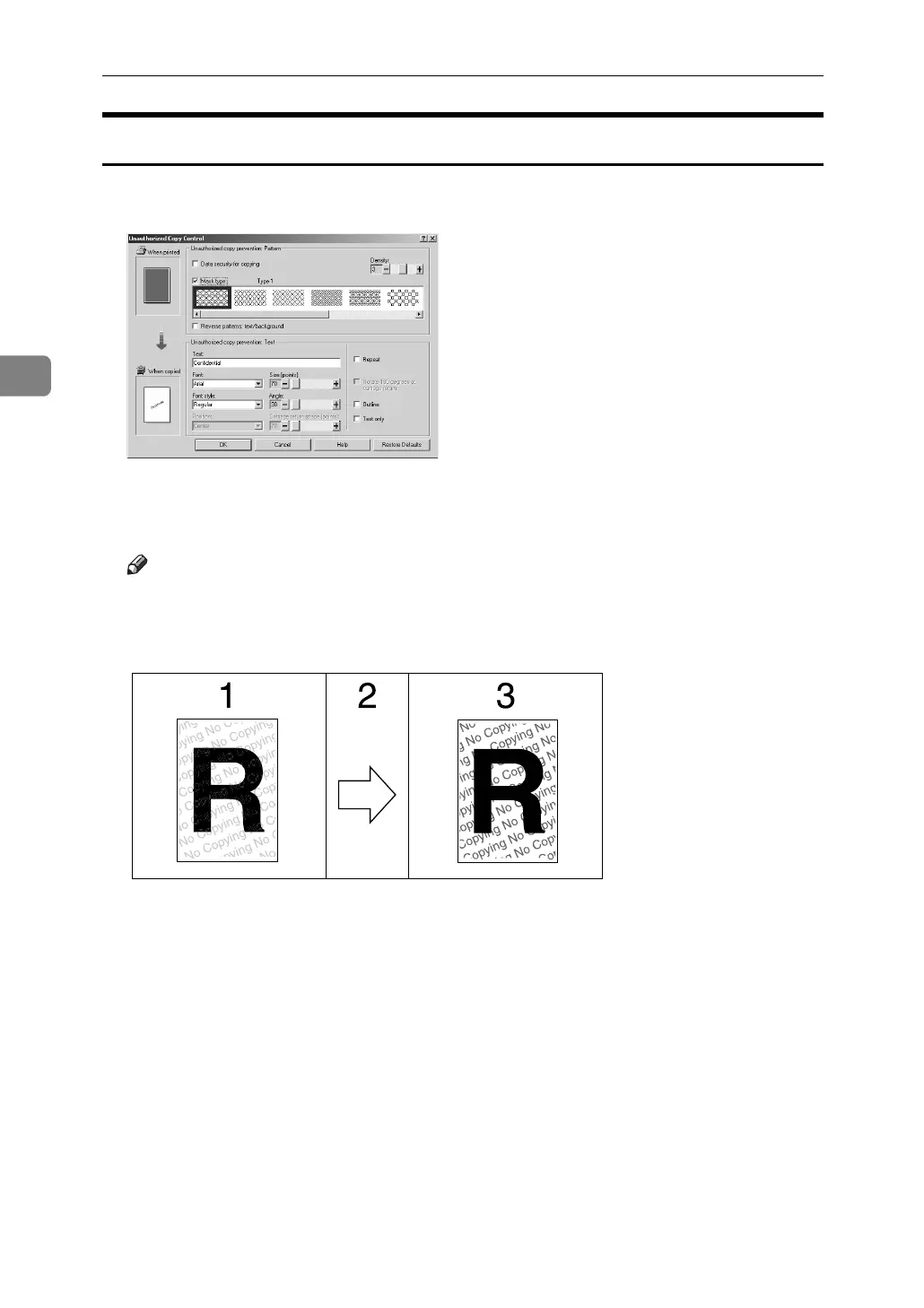
Using [Mask type:]
You can embed patterns and text in a document by setting in the printer driver
to prevent unauthorized copying.
❖ Setting [Mask type:] in the printer driver
• Select a pattern from [Mask type:], and then enter text in the [Text:] box.
Note
❒ You can set only [Text:], but [Mask type:] and [Text:] must be set together.
❖ Printing a document using [Mask type:]
1. The pattern and text you have set
is printed palely.
2. The document is copied, scanned,
or stored in copiers/multifunction
machines.
3. The pattern and text you have set
appear clearly.
AJL031S











 To Next Page