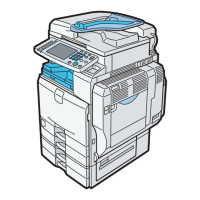
3
1. Press Copy on the Control Panel to axcess the
2. Place your original.
3. Enter the number of copies required.
Making a Copy
14
Printing a Locked Print File
1. On the machine’s control panel, press the
Printer key to display the Printer Screen.
2. Press View Locked Print Jobs.
A list of the locked print files stored in
the machine is displayed.
3. Select the file you want to print by
pressing on it.
4. Enter the
password; then
press OK.
5. Press Yes.


 To Next Page
 Loading...