130
MO-C1 Training
Slide 130
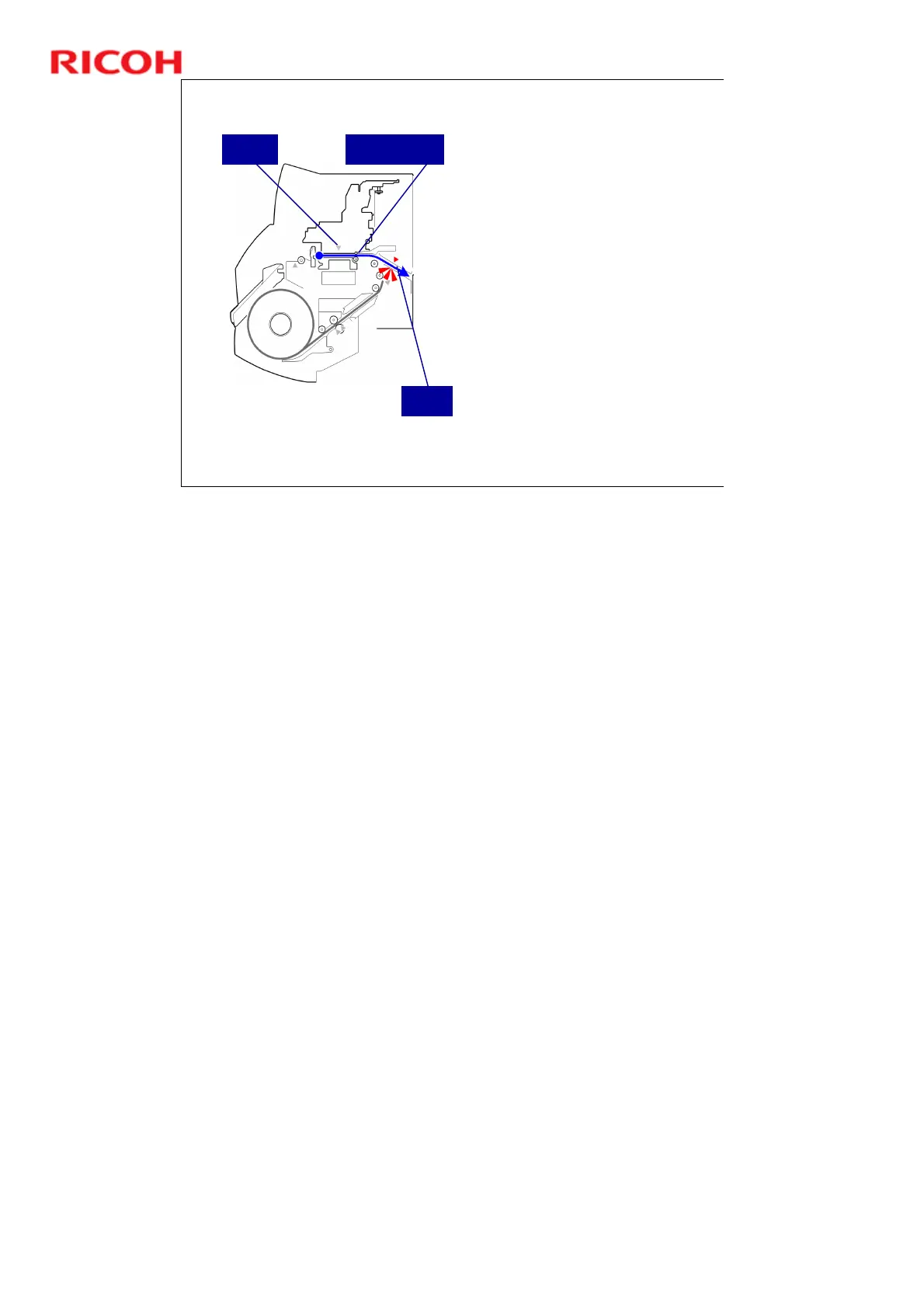
Bypass Feed Path - 1
For bypass feed, the user
manually feeds a sheet of paper
into the front of the machine.
When the bypass sensor
detects the paper, the machine
grabs the paper and feeds it
through the machine.
When the DRESS sensor
detects the other edge of the
paper (nearest the front of the
machine), paper feed stops.
This edge will become the
leading edge during printing.
So, the user must feed the
paper in trailing edge first.
Then the vertical feed motor
continues to feed the paper
through until the print leading
edge is at the registration
standby position.
Bypass
Sensor
Registration
Standby Position
DRESS
Sensor
No additional notes



 To Next Page