146
MO-C1 Training
Slide 146
General Operation Sequence
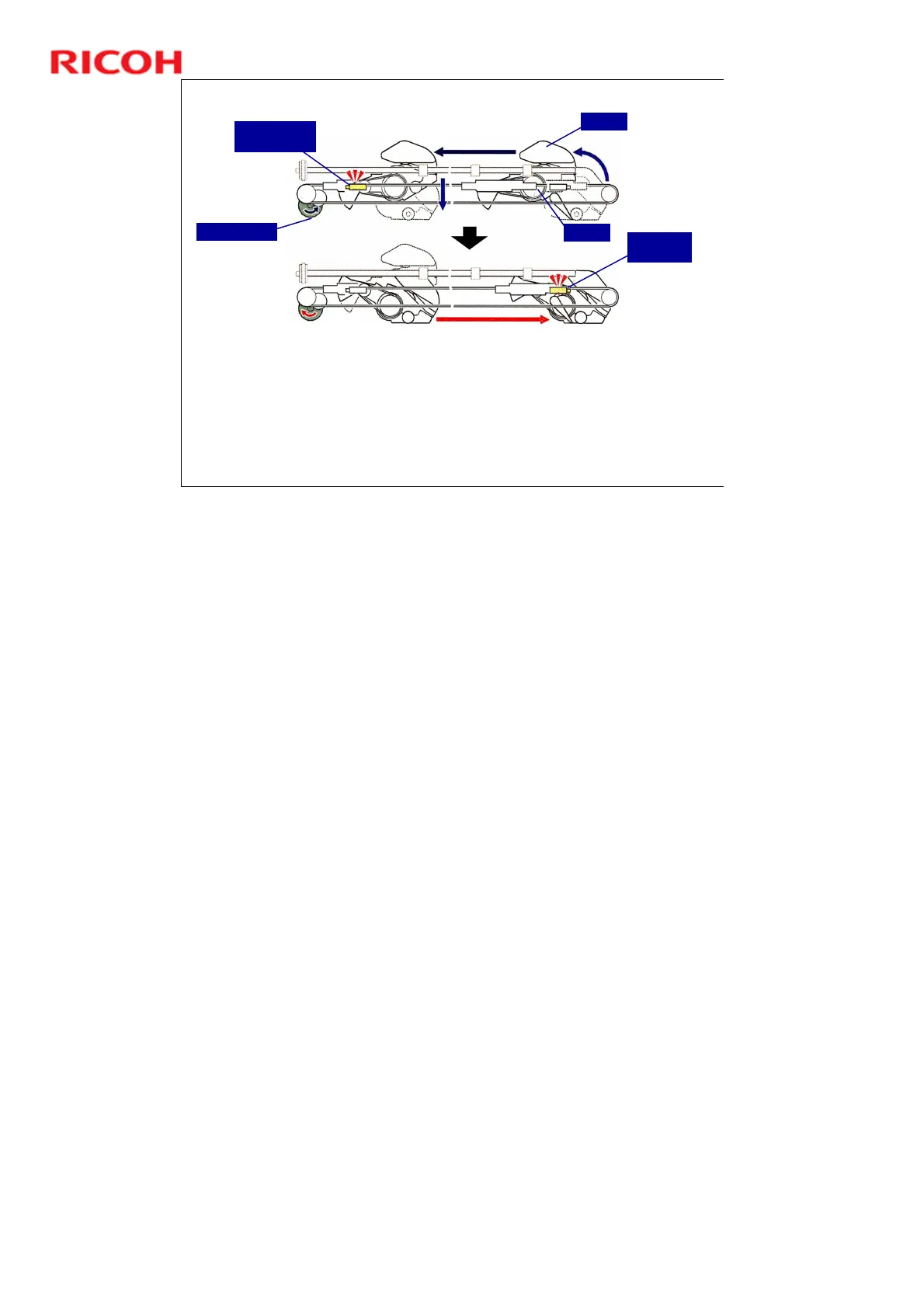
5. Cutting
4. The cutter motor switches on and drives the circular cutter from
right to left to cut the paper.
5. When the cutter reaches the left side of the machine, the cutter
drops into a track below the paper, and then the cutter motor
reverses and returns the cutter (passing below the paper) to its
home position on the right side of the machine.
Cutter Motor
Cutter
Blade
Cutter Return
Switch
Cutter HP
Sensor
No additional notes



 To Next Page