28
MO-C1 Training
Slide 28
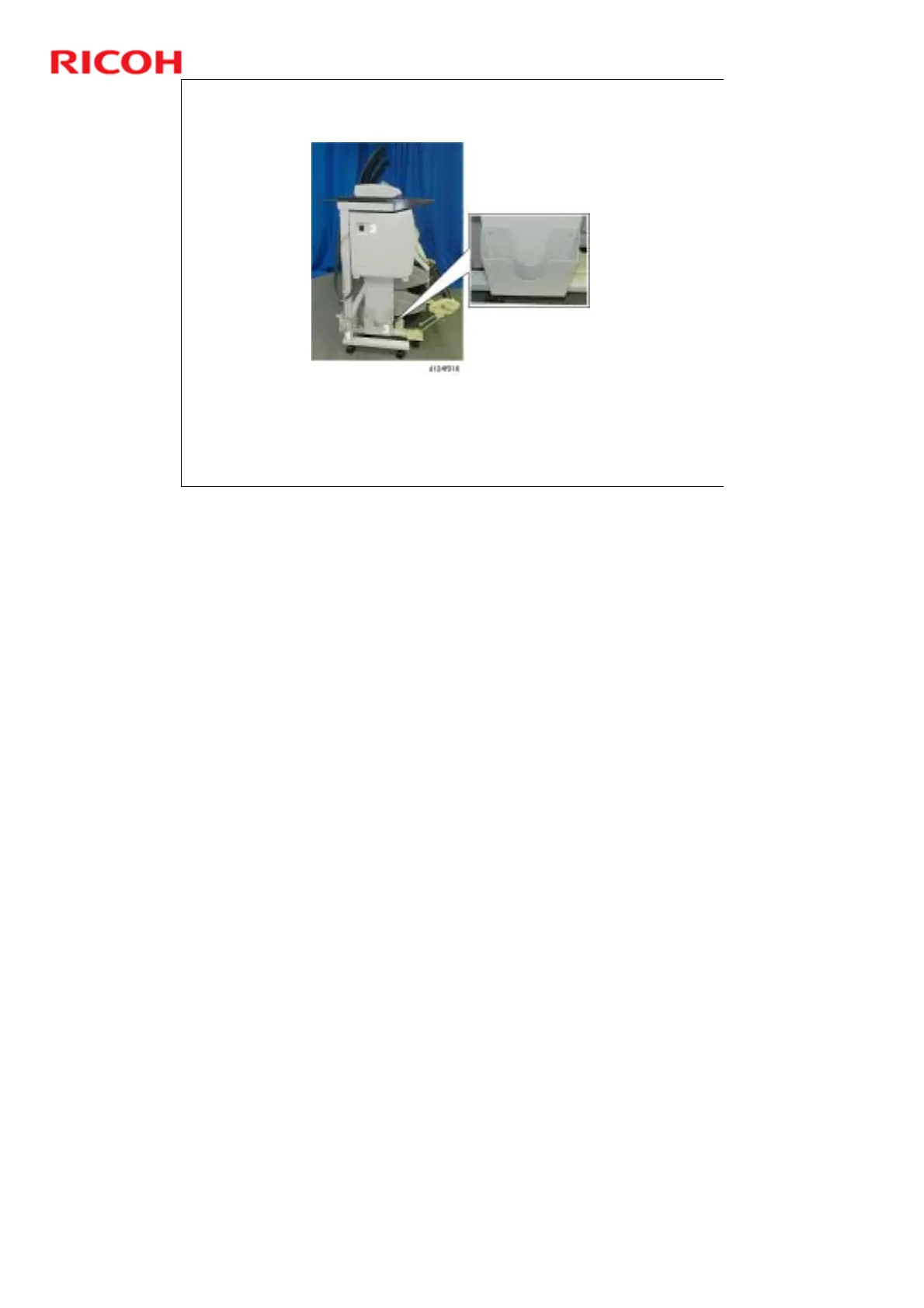
Left Side View
The power cord [1], power switch [2], and manual pocket [3] are on the left
side of the machine.
This is the only power switch that can cycle the machine off and on.
After the power switch is turned off, the system does a safe shut down.
‘Please wait’ appears on the operation panel. This prevents hard disk
damage and makes sure that the carriage gets back to home posiiton.
No additional notes



 To Next Page