10
The MP 6200SR Series
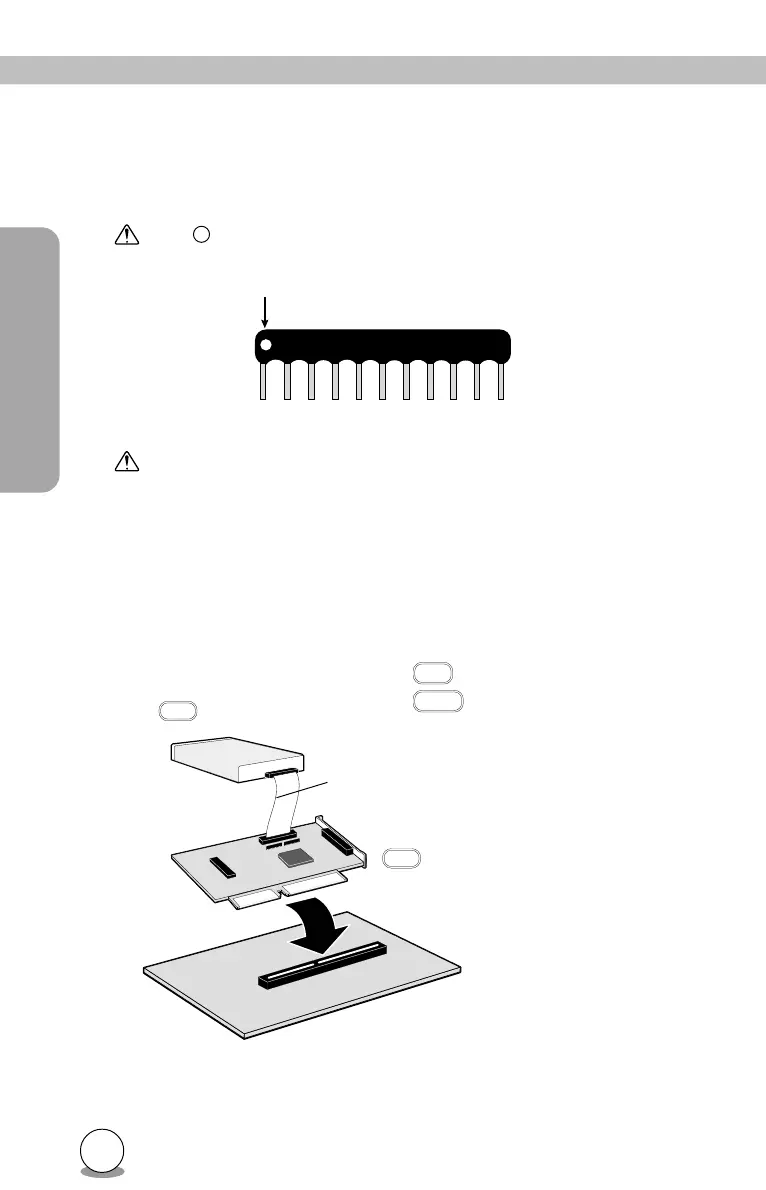
Attach the terminator after confirming the pin numbers at the back of the
drive and on the terminator.
The mark on the terminator indicates the direction of pin 1.
When attaching the terminator, be careful not to damage it or the
drive.
When one drive is connected
Pin 1
CD-R/RW drive
SCSI cable
SCSI interface board
Host computer
ON
ON Terminator is attached
OFF Terminator is not attached
ON



 To Next Page