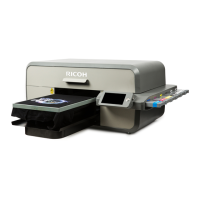
RICOH Ri 1000
User Maintenance Precautions
This booklet describes the main precautions and user maintenance precautions when using the
Ri1000.Be sure to check the user manual for the contents of each item and follow the correct
procedure.
Ricoh Ri1000 User Manual URL http://support.ricoh.com/bb_v1oi/html/oi/r/
<Precautions for use>
No. Item Precautions User manual
chapter
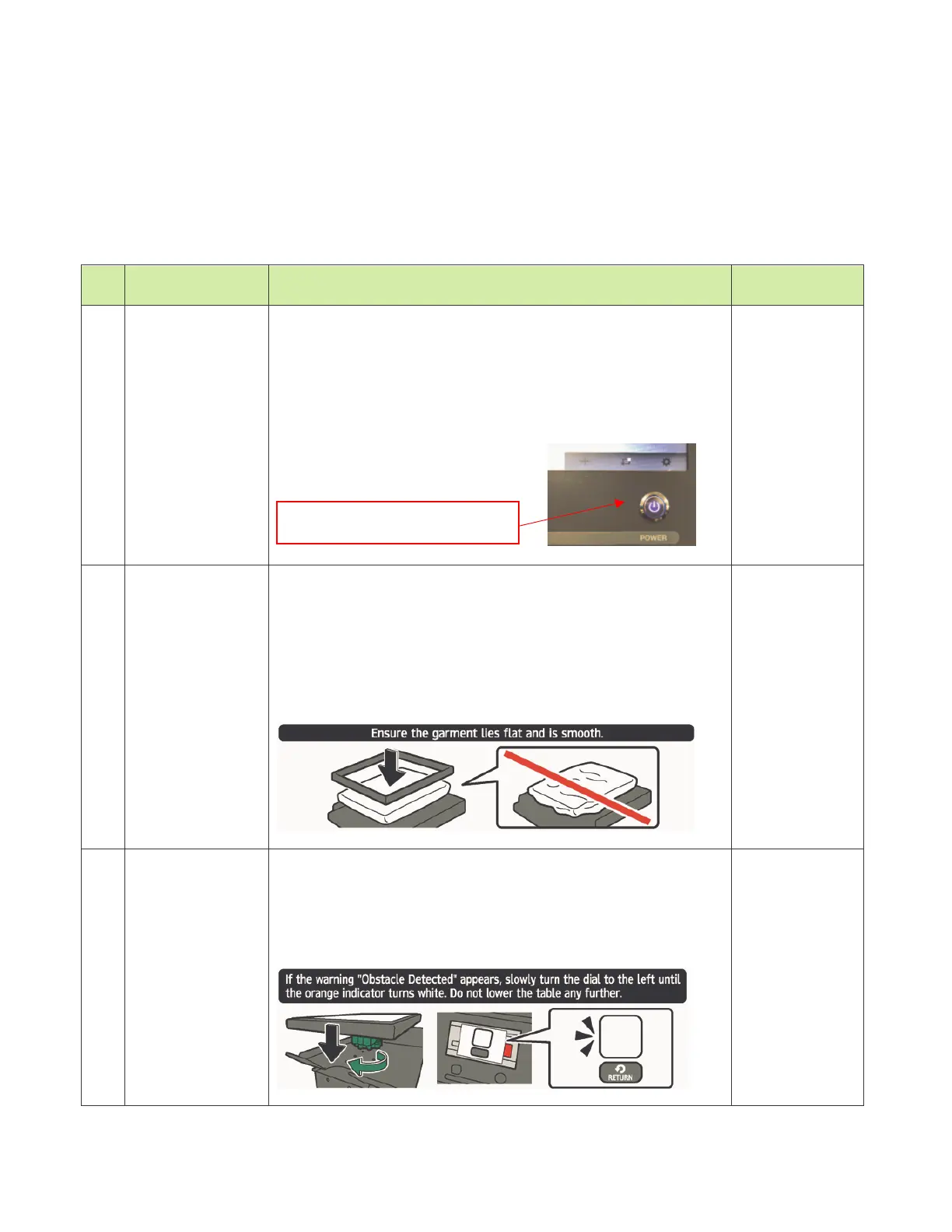
1 Always power
on
Do not leave the machine with the power off.
The circulation operation of the white ink flow paths and
automatic head maintenance are not performed, which
may cause head ejection failure or head nozzle clogging.
If the printer is left power off for 12 hours or more, the ink
in the printer must be drained and washed with the
cleaning solution
.
1.3 Important
2 Set media to
table
When setting the media on the table, flatten the media on
the top of the table.
If the media set on the top of table has protrusions such as
wrinkles, the gap between the head and the media will
widen and ink mist will be generated.
The ink mist spreads inside the machine and may cause
the sensors or the boards to malfunction.
2.2 Mounting
Substrate onto
Print Table
3 Table height
adjustment
Adjust the table with the media to the proper height.
If the table is too low, the gap between the head and the
media will widen and ink mist will be generated.
The mist spreads inside the aircraft and may cause the
sensor or board to malfunction.
2.2 Mounting
Substrate onto
Print Table
Always turn on the power.



 To Next Page
 Loading...