EasyManua.ls Logo

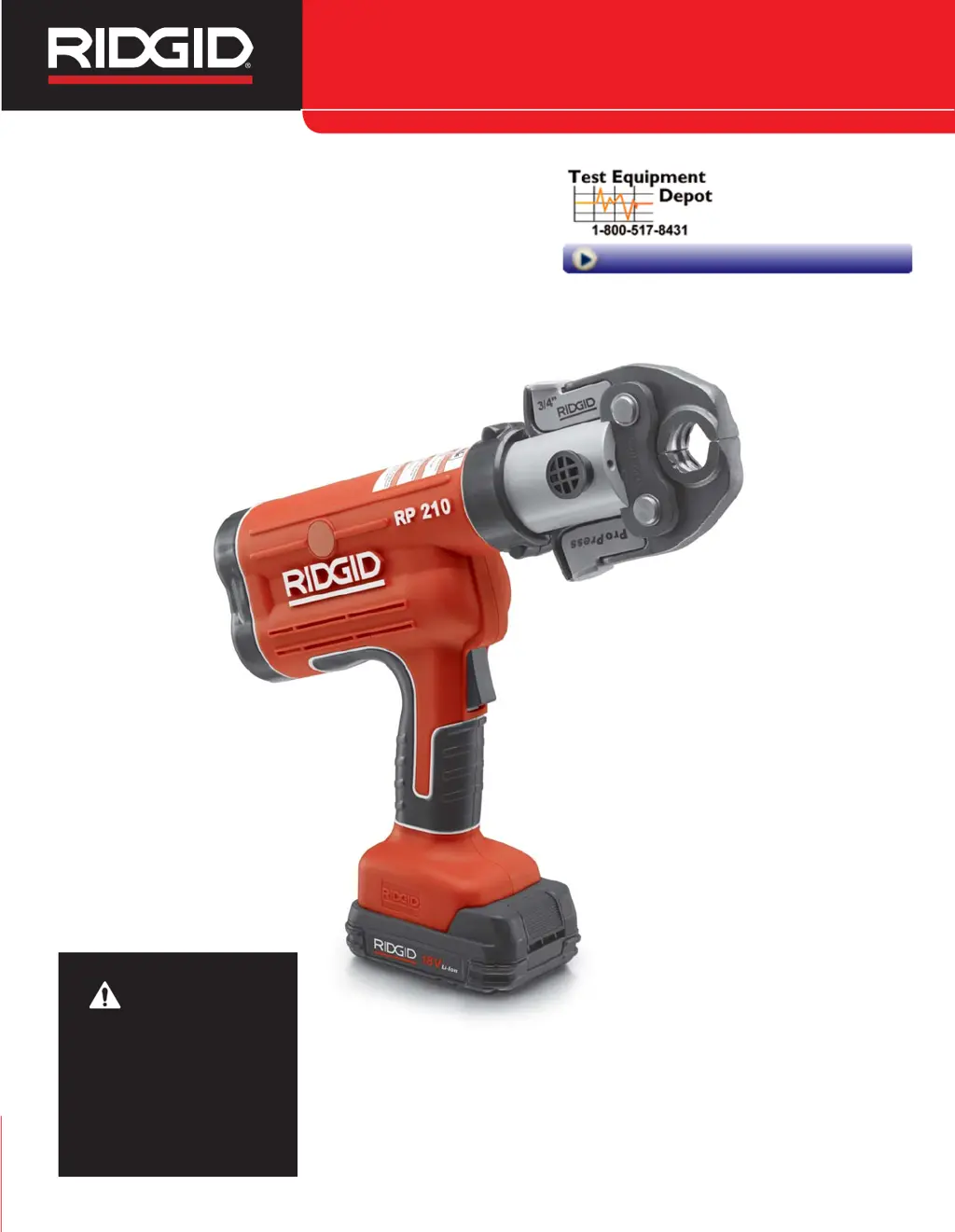
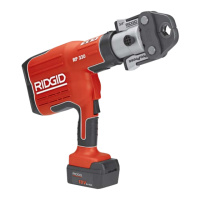
RIDGID RP 210 - User Manual

RIDGID RP 210
14 pages
Print Icon
To Next Page IconTo Next Page
Loading...
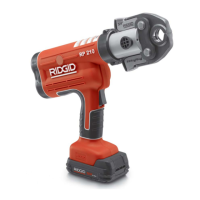
Press Tool
WARNING!
Read this Operator’s Manual
carefully before using this
tool. Failure to understand
and follow the contents of
this manual may result in
electrical shock, fire and/or
serious personal injury.
99 Washington Street
Melrose, MA 02176
Phone 781-665-1400
Toll Free 1-800-517-8431
Visit us at www.TestEquipmentDepot.com

Other manuals for RIDGID RP 210

Questions and Answers

  • K
    Kaylee IngramAug 13, 2025
    Why won't my RIDGID RP 210 turn on?
    • C
      Cody MendozaAug 13, 2025
      If your RIDGID Power Tool won't turn on when you press the ON/OFF button, it might be due to several reasons: * The battery may be completely discharged or faulty. Try inserting a fully charged battery or recharging the dead one. * The battery might not be correctly inserted. Ensure it's fully inserted into the tool's handle. * The battery level could be too low. Replace it with a fully charged battery or recharge the current one. * The tool or battery might be too cold or hot. Allow the tool to sit in a room with a temperature between 0°F (-20°C) to 140°F (60°C) to reach the correct operating range.
  • K
    Kimberly DavisAug 16, 2025
    How to fix incomplete pressed connections with RIDGID RP 210 Power Tool?
    • A
      Andrea HolmesAug 16, 2025
      If your RIDGID Power Tool is not producing complete pressed connections, ensure that you are using the correct jaws for the tube size and material. Also, make sure the tool is square to the tube and that the jaw contour is aligned with the fitting contour.
  • C
    Chad NguyenAug 20, 2025
    What to do if the yellow LED glows continuously on my RIDGID Power Tool?
    • J
      Jose RussoAug 20, 2025
      If the yellow LED on your RIDGID Power Tool glows continuously and the tool doesn't start the press cycle when you press the trigger, it could be that the attachment mounting pin is not fully closed. Ensure the attachment mounting pin is inserted to the fully closed position.
  • N
    Noah AriasAug 25, 2025
    What to do if RIDGID RP 210 Power Tool jaws are locked onto fitting?
    • B
      Bradley LongAug 25, 2025
      If the jaws of your RIDGID Power Tool are locked onto the fitting, it may be because the press was not successfully completed. Inspect and repress the fitting.
  • G
    George BirdAug 27, 2025
    What does it mean when the red LED blinks on my RIDGID Power Tool?
    • M
      Mr. Brent GoodwinAug 27, 2025
      If the red LED on your RIDGID Power Tool blinks repeatedly and the tool won't start the press cycle when you press the trigger, it indicates a tool malfunction. Push the pressure release valve to remove the jaws from the fitting.
  • J
    James BurnsAug 31, 2025
    Why won't my RIDGID Power Tool run when I press the trigger?
    • D
      delgadojoseAug 31, 2025
      If your RIDGID Power Tool won't run when you depress the trigger, it is possible that the tool is locked and needs servicing. Contact Ridge Tool Technical Service Department at (800) 519-3456 for the nearest Authorized Service outlet.
  • R
    Ryan BentleySep 4, 2025
    What to do if the yellow LED glows continuously and the RIDGID RP 210 won't start when pressing the trigger?
    • C
      Charles MedinaSep 4, 2025
      If the yellow LED is continuously glowing and the RIDGID Power Tool doesn't start, several issues could be the cause. First, ensure the attachment mounting pin is fully closed. Then, remove and reinsert the fully charged battery. If the press was unsuccessful, repress the fitting. Make sure you are using the correct jaws for the tube size and material and that the tool is square to the tube, with the jaw contour aligned with the fitting contour. Keep in mind that scheduled maintenance/recalibration is mandatory after 32,000 presses, or the tool may be 'locked' and require servicing.
  • N
    ncallahanSep 8, 2025
    What to do if the red LED blinks repeatedly and the RIDGID Power Tool won't start?
    • A
      andrew60Sep 8, 2025
      If the red LED blinks repeatedly and the RIDGID Power Tool doesn't start, make sure the attachment mounting pin is fully engaged. Also, the tool may be out of the operational temperature range of 15°F (-10°C) to 122°F (50°C).

Summary

Safety Symbols and Rules

Safety Symbols

Explains the meaning of safety symbols and signal words used in the manual.

General Safety Rules

Covers essential safety practices for operating power tools, including work area and electrical safety.

Work Area Safety

Ensures a safe working environment by maintaining a clean, lit, and hazard-free area.

Electrical Safety

Guidelines for safe use of electrical power tools, including grounding and avoiding wet conditions.

Operator Safety and Tool Care

Personal Safety

Precautions for operator's physical safety, including alertness, PPE, and proper attire.

Power Tool Use and Care

Instructions on operating the tool correctly, maintaining it, and ensuring proper use.

Battery Tool Use and Care

Guidance on using and caring for the battery pack and charger to prevent hazards.

Service

Information on servicing the power tool by qualified personnel using identical replacement parts.

Specific Safety Information

Press Tool Safety

Precautions for using the RP 210 Press Tool and its attachments safely.

Battery and Charger Safety

Critical safety guidelines for charging and handling batteries and chargers.

Tool Description and Inspection

Specifications

Technical details of the RP 210-B Battery Press Tool.

Standard Equipment

List of standard accessories included with the RP 210 Press Tool.

Tool Inspection

Daily checks to ensure the press tool is safe and in good working order.

Tool and Work Area Setup

Work Area Preparation

Steps to prepare the work area and ensure adequate lighting and stability.

Attachment Installation

Procedure for correctly installing the press tool attachment and securing it.

Operating Instructions

Preparing the Connection

Ensuring the work area is clear and the connection is prepared per manufacturer instructions.

Pressing a Fitting with Scissor Jaws

Step-by-step guide for making a press connection using scissor-style jaws.

Pressing a Fitting with Actuator and Press Ring Set

Instructions for making a press connection using an actuator and press ring set.

Post-Press Operations

Inspecting the Pressed Connection

Criteria for inspecting a pressed fitting to ensure a proper connection.

Cold Weather Operation

Adjustments and considerations for operating the tool in cold temperatures.

Maintenance and Storage

Maintenance Instructions

Cleaning, lubrication, and checks for the press tool and attachments.

Required Maintenance at RIDGID Authorized Service Center

Information on periodic maintenance and recalibration by authorized service centers.

Accessories

List of recommended accessories designed for the RP 210 Press Tool.

Storage

Guidelines for safely storing the tool, batteries, and accessories.

Troubleshooting and Diagnostics

Disposal

Information on how to properly dispose of batteries and the machine.

Troubleshooting

Common symptoms, possible reasons, and solutions for tool operational issues.

RP 210 Diagnostic Codes

Explanation of LED indicators and their corresponding diagnostic meanings.

RIDGID RP 210 Specifications

General IconGeneral
Battery18V Lithium-Ion
Max Pressure12, 000 psi
Hydraulic Ram Output12, 000 psi
Handle TypePistol Grip
Capacity (Copper/Steel)1/2" – 1 1/4" (12 – 32 mm)
Capacity (PEX)3/8" – 1 1/2" (10 – 38 mm)
Operating Temperature Range15°F to 122°F (-9°C to 50°C)
Capacity1/2" – 1 1/4" (Copper/Steel), 3/8" – 1 1/2" (PEX)

Related product manuals