- C1T / C1M -
18
CONFIGURATION
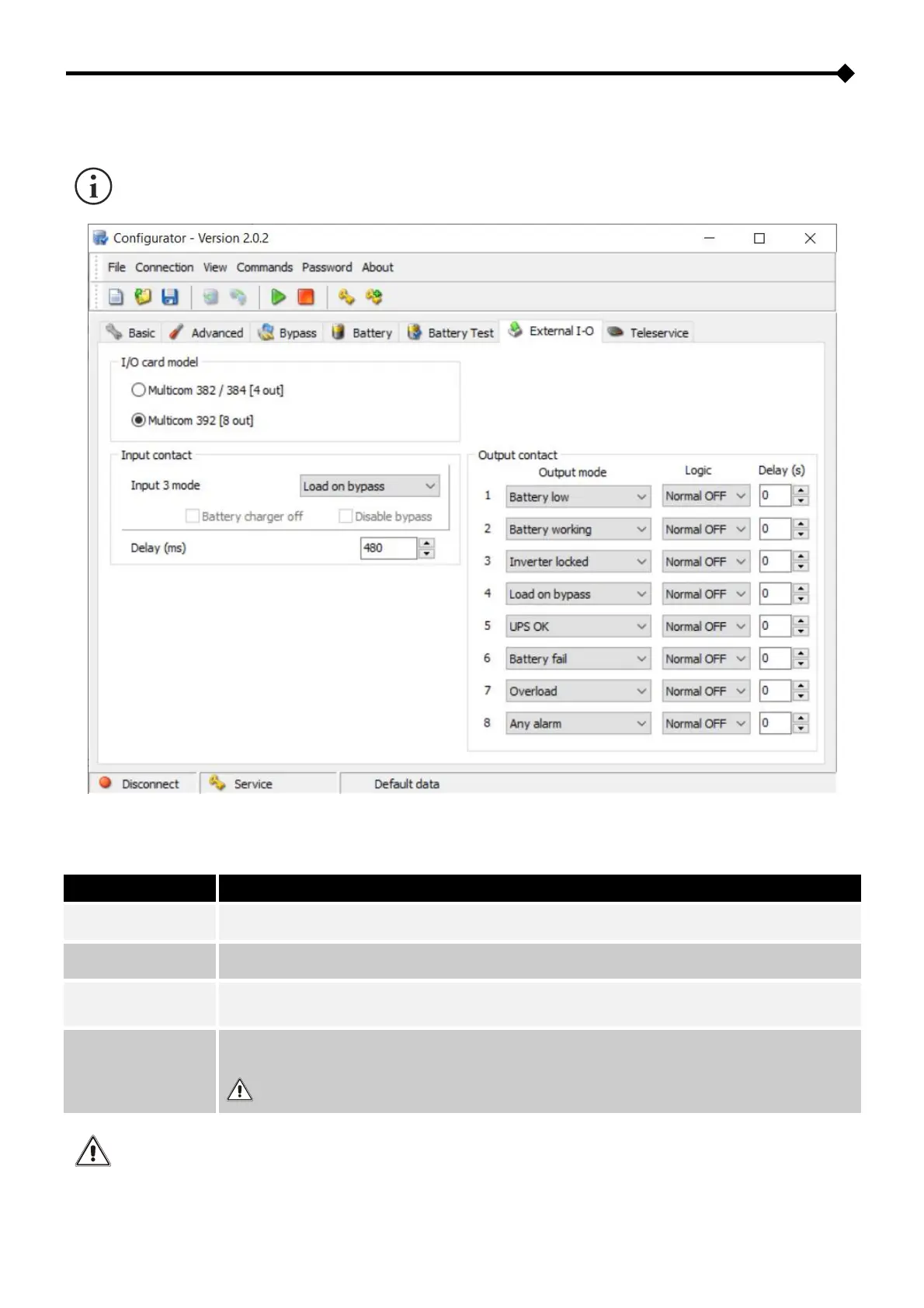
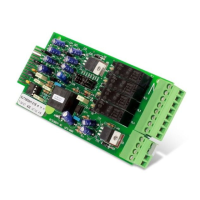
MultiCOM 392 can be configured using the configuration software of the CSS.
Before setting the input/output, you must select “Multicom 392 [8out]” for I/O card model.
REMOTE ON: By closing the contact for at least 3 seconds, the UPS will switch on.
REMOTE OFF: By closing the contact, the UPS will immediately switch off.
CONFIGURABLE INPUT: use the UPS configuration software to select the function that has to be
associated with IN3 (Input 3 mode default: Load on bypass).
Manual bypass auxiliary contact (for the management of an auxiliary contact of a possible remote
bypass). The auxiliary contact must be anticipated type, normally open.
The transition takes place regardless of the status of the bypass line and of the bypass/inverter
sync.
The inputs IN1 / IN2 / IN3 have to be used as alternative to the corresponding inputs on the AS400 port of the UPS.


 To Next Page