Smart Lights
Alarm
Doorbells
Security Cams
Chimes
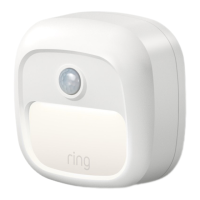
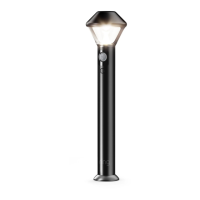
Set up your Pathlight in the Ring app.
In the app, tap Set Up a Device.
When prompted, select Smart Lights and follow the in-app instructions.
Once setup is complete, slide the battery cover back onto your Pathlight.
Insert the batteries.
Push in the lock button on the front of your Pathlight, and slide o the battery cover.
Then insert four D Cell batteries (not included), flat end first, into the battery compartment.
54


 To Next Page