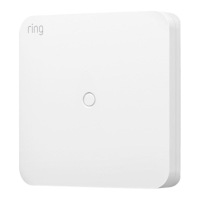
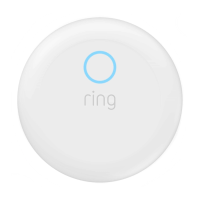
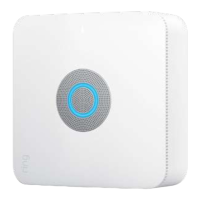
Ring Alarm Outdoor Siren User Manual
Z-Wave Instructions
Z-Wave Device Type: Siren
Role Type: Listening Sleeping Slave
• GENERIC_TYPE_AV_CONTROL_POINT (0x03)
• SPECIFIC_TYPE_SOUND_SWITCH (0x01)
Ring Alarm Outdoor Siren Inclusion
Adding Ring Alarm Outdoor Siren to a Z-Wave Network
Ring Alarm Outdoor Siren can be added via SmartStart or Classic inclusion mode.
Note: When prompted for the QR Code or PIN, you may find them on the back of the device, on the box, or on a card inside the box.
Keep the device nearby. You’ll be prompted to pull the battery tab to power on the device and enter setup mode.
SmartStart Inclusion Steps:
1. Initiate the add flow for Security Devices in the Ring mobile application – Follow the guided add flow instructions provided in
the Ring mobile application.
2. When prompted by the mobile application, scan the QR code found on the package of the Outdoor Siren. The QR code can
also be found on the back of the device itself.
3. Pull the pull-tab or insert batteries, and the device will go into SmartStart inclusion mode. While in this mode, Outdoor Siren
can be added to a Z-Wave controller that supports SmartStart. When in SmartStart inclusion mode, SmartStart can be
restarted by tapping the button on the front of the device.
Classic Inclusion Steps:
1. Initiate add flow for Security Devices in the Ring mobile application – Follow the guided add flow instructions provided in the
Ring mobile application.
2. Select add manually and enter the 5-digit DSK pin found on the package of the Ring Alarm Outdoor Siren or the 5-digit DSK
pin found under the QR code on the device.



 To Next Page