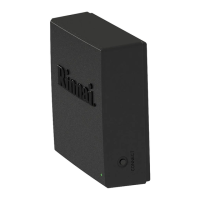
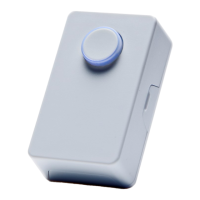
If using the Push Button or Motion Sensor for on-demand
recirculation, install and pair them at this time.
Push Button
Motion Sensor
Mounts in a convenient
location, such as a
kitchen faucet or
bathroom sink and
operates the recirculation
system by pushing the
button.
Mounts flush to the wall
or in the corner and
operates the
recirculation system with
the detection of motion.
Designed to detect
full-body movement up
to 30 feet.
For detailed steps, refer to the instructions supplied in the
Push Button or Motion Sensor package.


 To Next Page
 Loading...