11
Rio Forge
:: Windows
Follow these instructions to load Rio Music Manager onto your PC.
1 Place the installation CD label-side up into the computer’s CD-ROM drive.
The Rio installation software launches automatically.
2 Click Rio Music Manager INSTALL NOW (required) and follow the on-screen instructions.
3 If prompted, reboot the computer when the installation is complete.
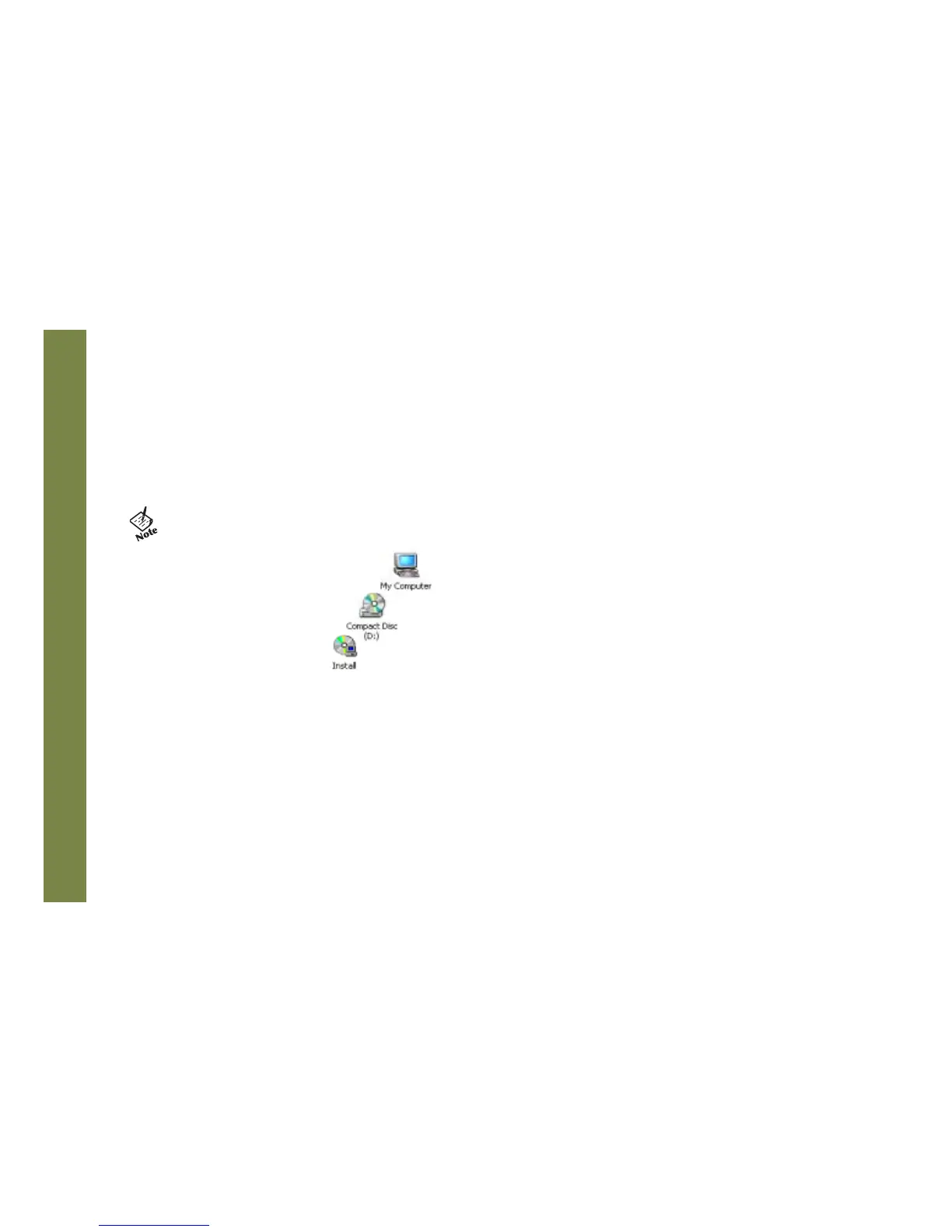
4 Double-click the My Computer icon, , on the Windows desktop.
5 Double-click the CD-ROM icon, .
6 Double-click the Install icon, .
7 Go to Step 2.
• If Rio installation software does not display automatically, follow these steps to begin the installation
manually:



 To Next Page