19
Rio Forge
:: Control the Player
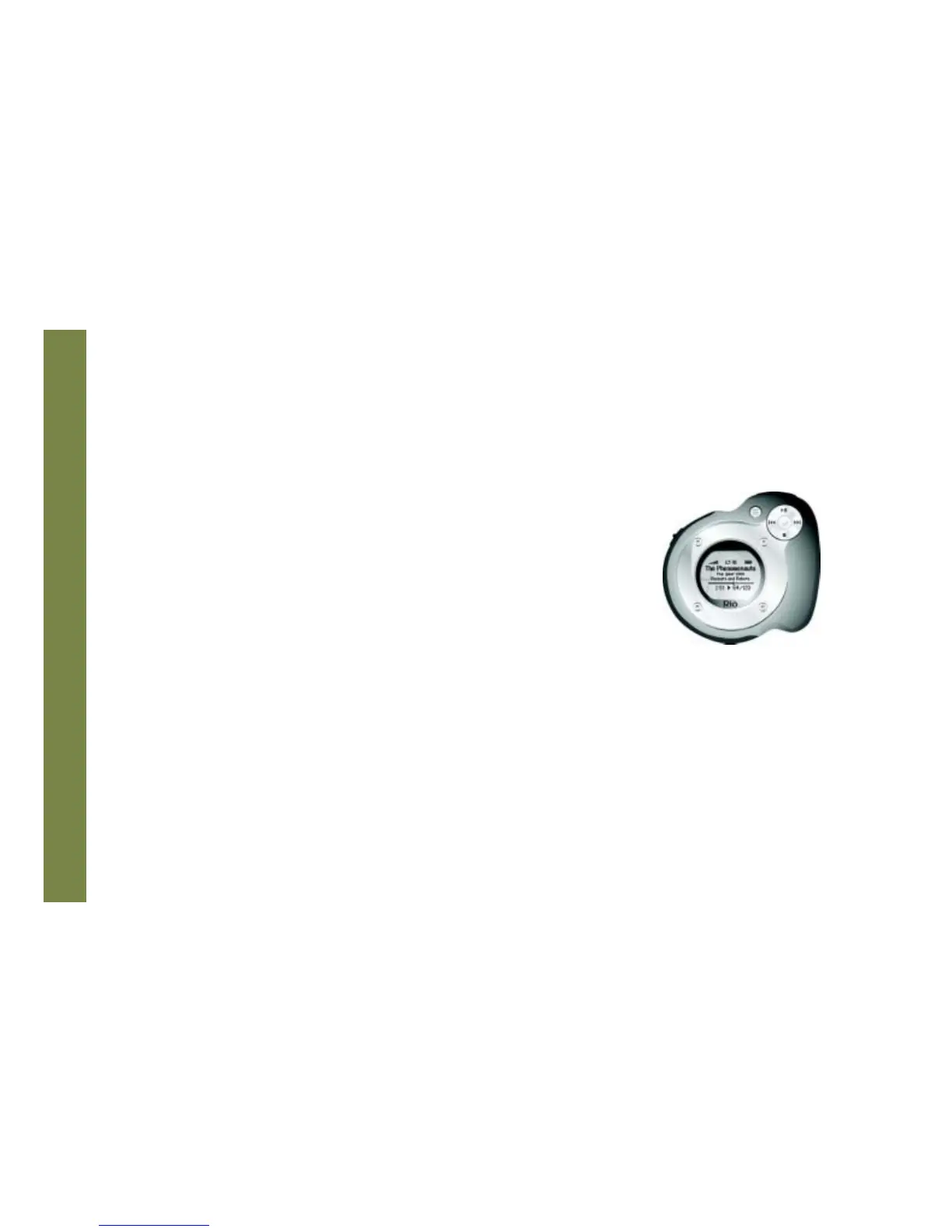
The controls on the Rio Forge work as follows:
• POWER
Press and hold to power the Rio Forge on or off.
• MENU
In Player mode, press to enter Menu mode. In Menu mode, press to return to
Player mode.
• CENTER
In Player mode, press to cycle through Play Screens. In Menu mode, press to
select menu options.
• PLAY/PAUSE
In Player mode, press to play or pause playback. In Menu mode, press to control
menu navigation.
• FORWARD and REVERSE
In Player mode, press to skip to the next or previous track. Press and hold to
scan forward or reverse through a track. In Menu mode, press to control menu
navigation.
• STOP
In Player mode, press to stop playback. In Menu mode, press to control menu
navigation.
• VOLUME + and -
Press to adjust volume level.
• LOCK/UNLOCK
Slide into the LOCK position to disable buttons and prevent accidental operation.
Controls
Locations of all controls can
be found on pages 2 and 3.



 To Next Page