42
Rio Forge
:: About
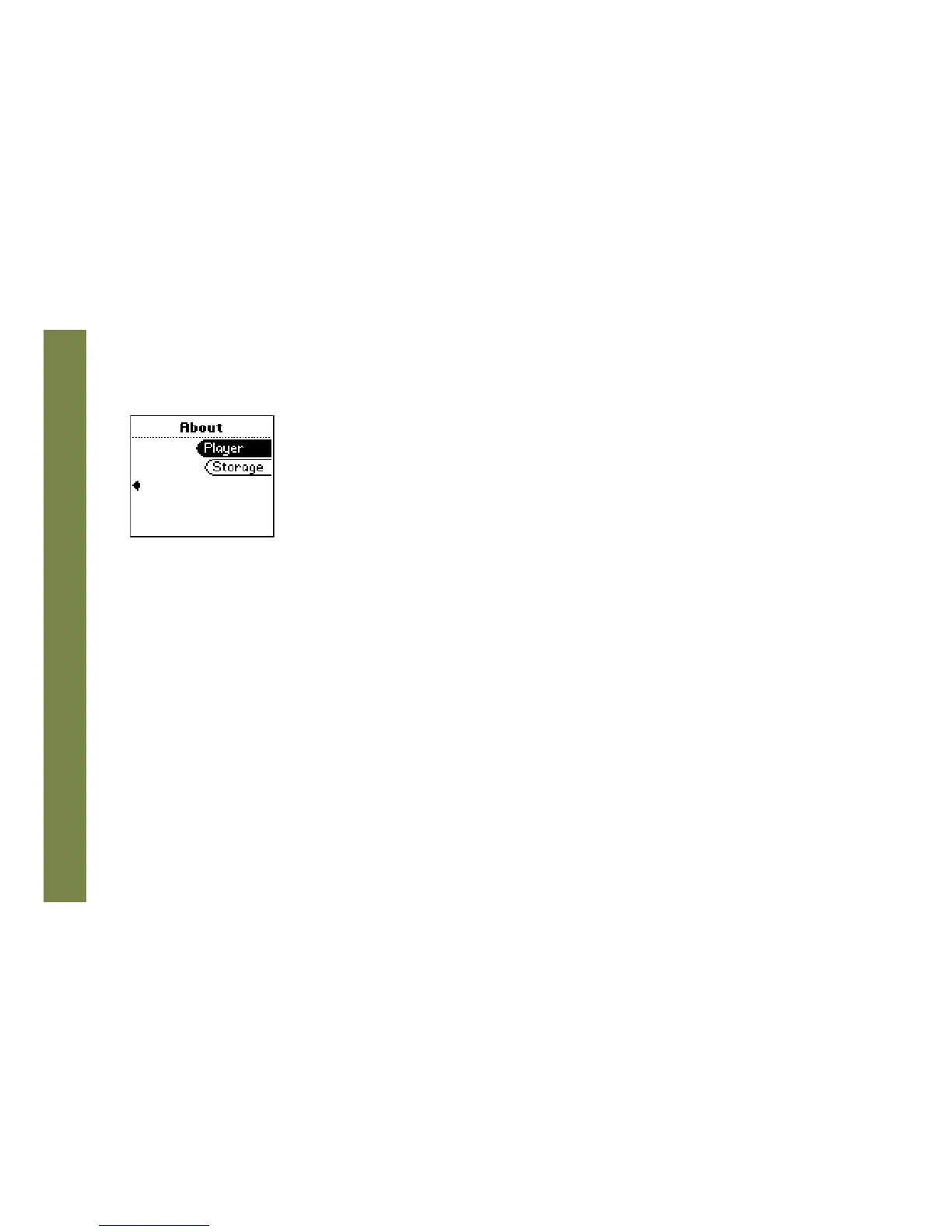
The about screen displays information about the Rio Forge. Information includes the total amount of memory on
the Rio Forge, the amount of free memory, the number of tracks on the Rio Forge, and the Firmware version.
1 Press MENU.
2 Select About.
3 Select Player or Storage.
About options include:
• Player
Displays firmware version, copyright, and Rio website information.
• Storage
Press CENTER to cycle through displays of memory usage graphic bar and memory usage (MB used/MB
capacity), the total number of tracks, the total duration of all tracks, the number of playlists, and the number
of personal files for both internal and external player memory on the Rio Forge.



 To Next Page