33
Rio Forge
Resume
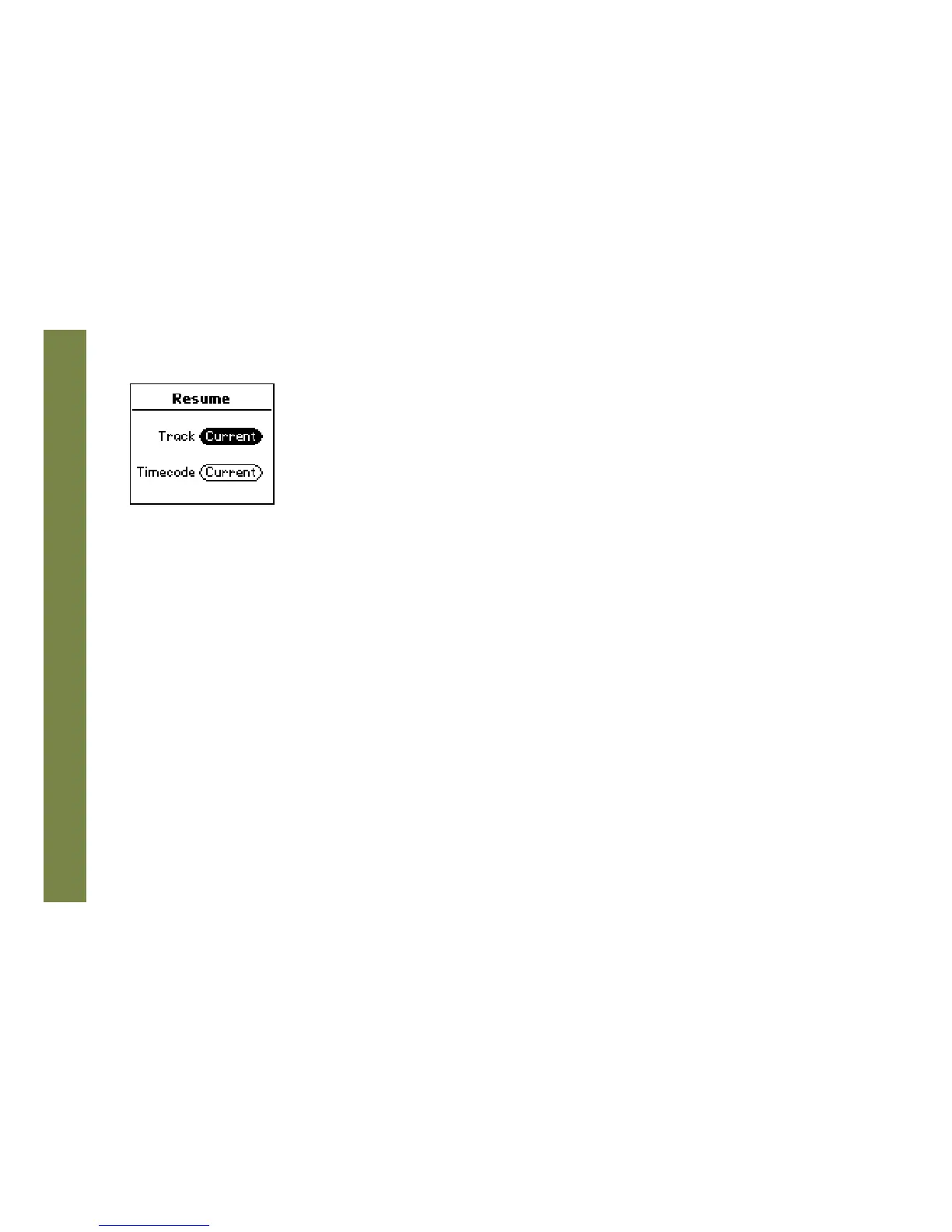
Use the options in the Resume menu to set the track that the Rio Forge will play whenever it is powered on.
1 Press MENU.
2 Select Settings.
3 Select Resume.
4 Select Resume options.
5 Press CENTER to apply settings and return to Player mode.
Resume options include:
• Track
Set the Rio Forge to begin playback of the last track played before shutdown or the first track in the running
order when the Rio Forge is powered on. Settings include Current (the default setting) and First.
• Timecode
Set the Rio Forge to begin playback of the last track played at the point the track was at during shutdown or at
the start of the track. Settings include Current (the default setting) and Start.



 To Next Page