3
Rio Forge
invisible text
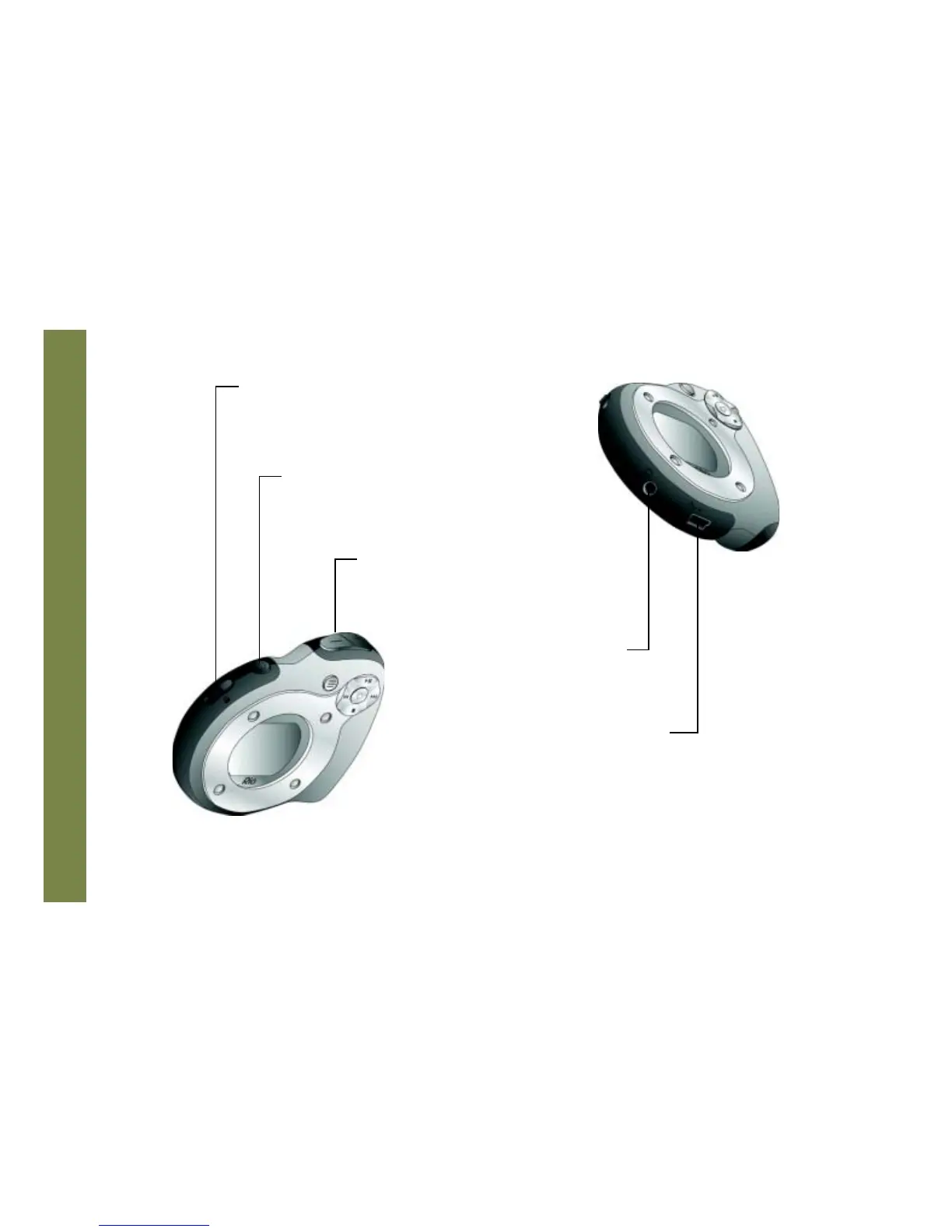
EARPHONES
Connects to earphones,
headphones, or auxiliary
connections.
USB
Connects to the USB cable.
VOLUME + and -
Press to adjust volume level.
LOCK/UNLOCK
Slide into the LOCK position to disable buttons and
prevent accidental operation.
POWER
Press to turn the Rio Forge on. Press and hold
to turn the Rio Forge off.



 To Next Page