Rip Curl Rifles Auto-Set Instruction Manual 4
ONE TOUCH AUTO-SET
Set the tide and time data for your local break or over 1,400 other tide
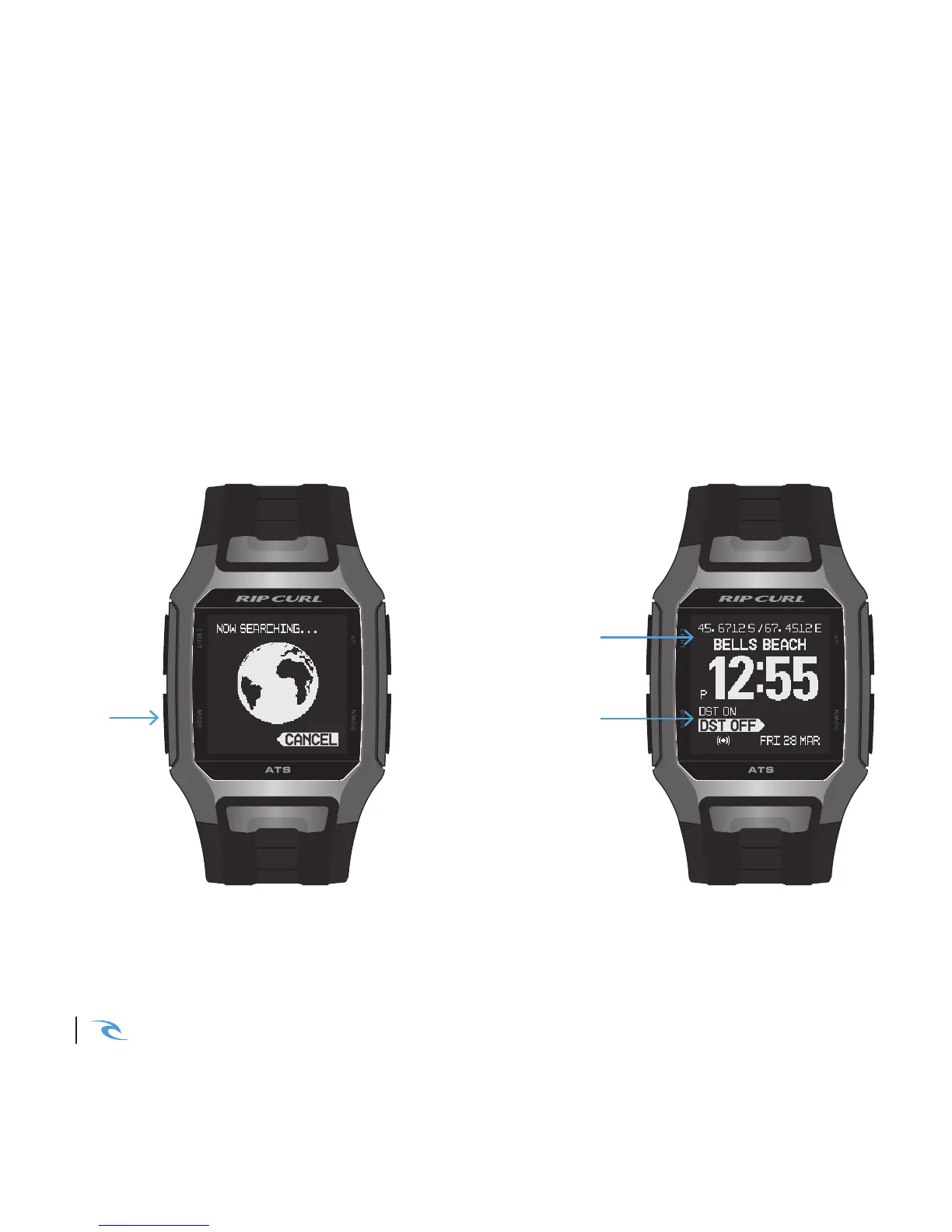
locations with the One Touch Auto-Set function. Hold MODE in TIME MODE
to perform GPS Auto-Set. Once the satellite has found your location (1-5
minutes) you will be prompted to select DST (Daylight Savings Time) ON or
OFF. Your time & tide are now set!
HOLD
MODE
3 SEC
SELECT DST
ON or OFF
LOCATION &
GPS CO-ORDINATES
• GPS won’t work indoors.
• You may need to charge your watch first.
• For best connection hold your watch with the screen facing skywards.
• Heavy cloud and close proximity to buildings can aect your connection.
• Normal satellite connection time is 1-2 minutes but can take up to five minutes in some areas
• To manually set your watch see settings. Page 12













 To Next Page