IPHONE APP
SYNC YOUR SURF
The Rip Curl Search iPhone App
Get your stats from every wave and every session sent directly to your
personal proile on the Rip Curl Search iPhone App.
SearchGPS Watch Sync
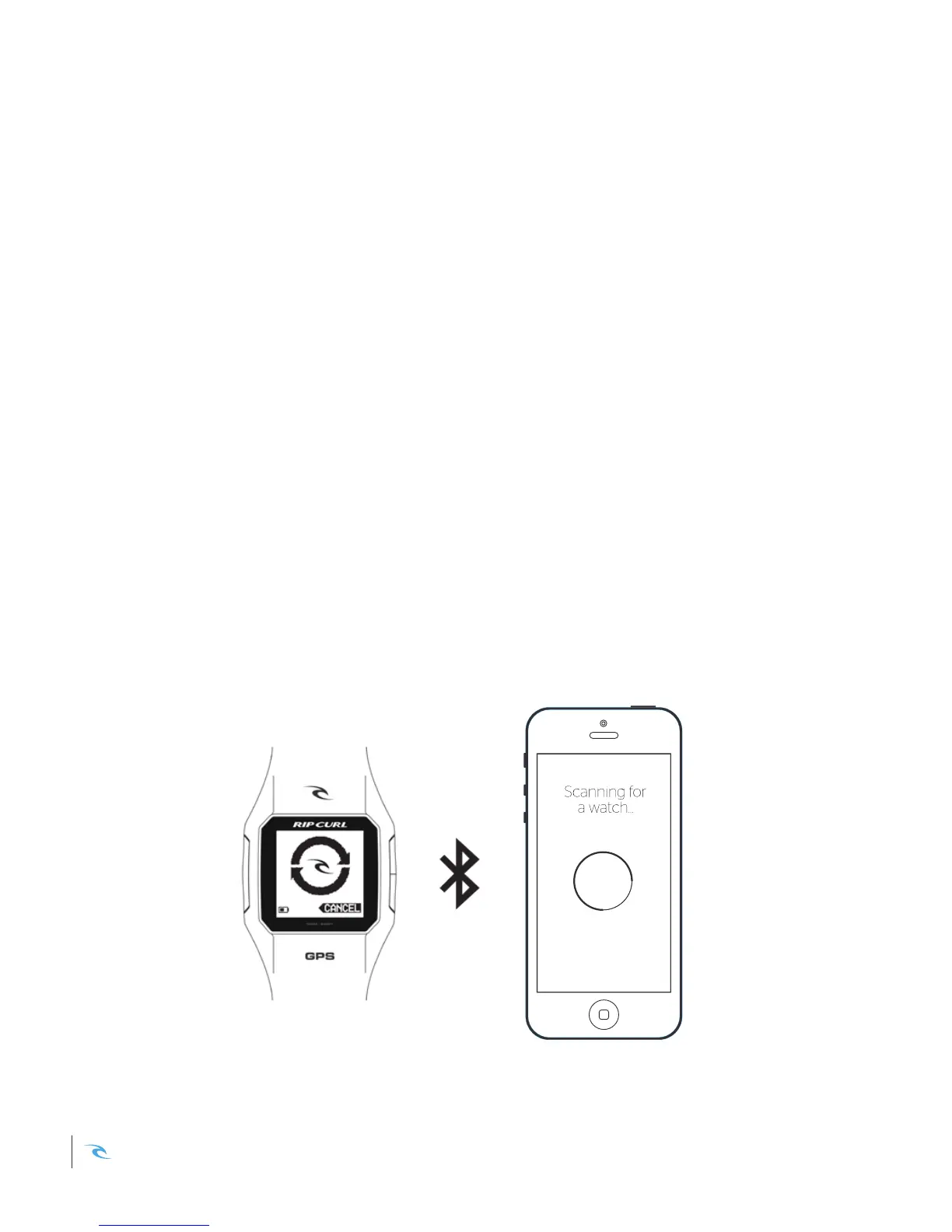
Navigate to MENU > SURF > SYNC to pair your Rip Curl SearchGPS Watch via
Bluetooth with the Rip Curl Search App on your iPhone. Once connected, your
sessions will download and appear in your feed for you to re-live.
Rip Curl Search App Sync
Within the Rip Curl Search iPhone App, choose the WATCH menu item. Your
Search App will begin scanning for a SearchGPS Watch. Once connected,
press SYNC NOW to transfer your surf data.
* Bluetooth must be enabled on your iPhone for pairing to be successful.
Rip Curl SearchGPS Instruction Manual10













 To Next Page