GETTING STARTED
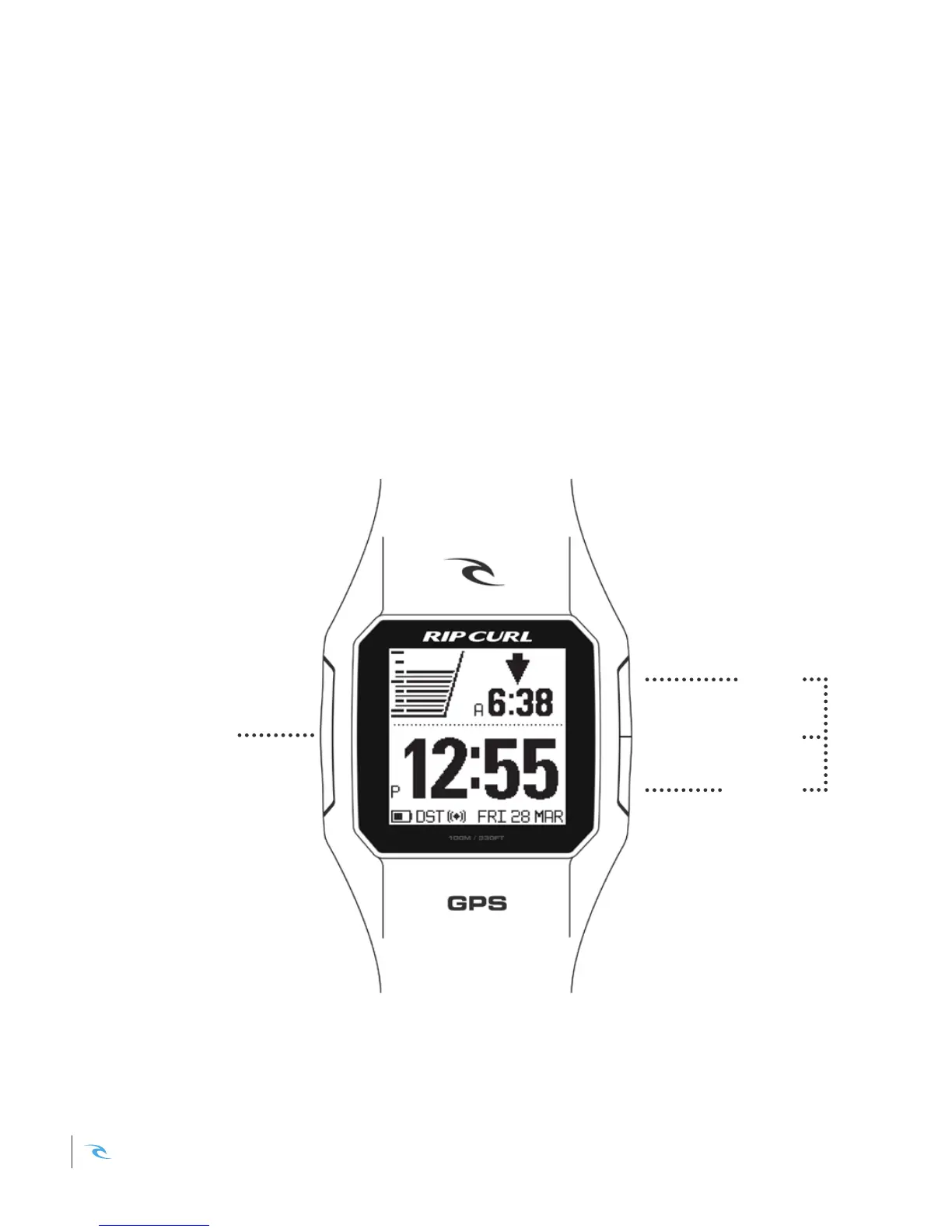
SELECT
UP
DOWN
LIGHT
The Rip Curl SearchGPS Watch has three simple buttons.
SELECT - provides access to highlighted feature.
UP - moves the selection upward.
DOWN - moves the selection downward.
LIGHT - press both up & down buttons together to activate light.
WATCH NAVIGATION
Rip Curl SearchGPS Instruction Manual2













 To Next Page