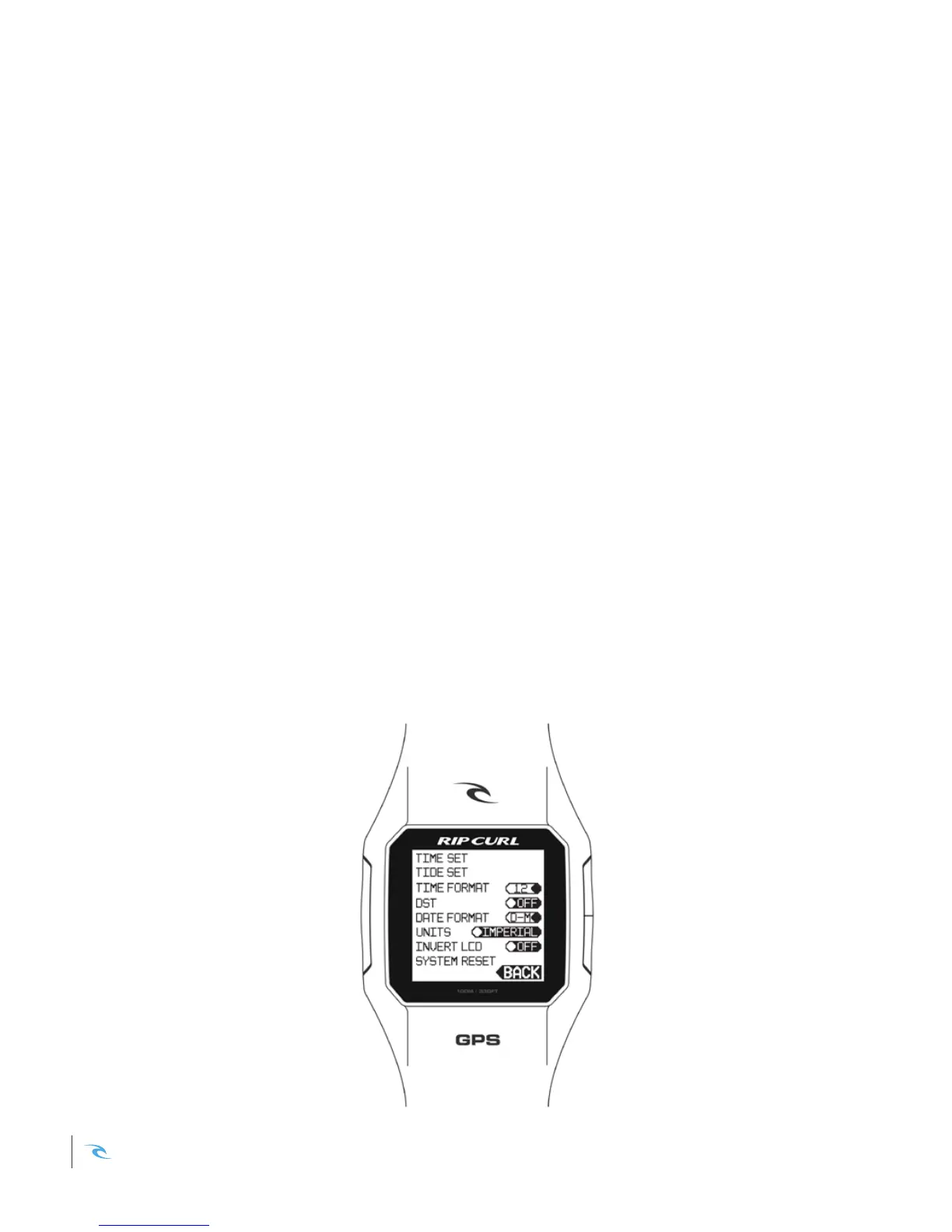
SETTINGS
PREFERENCES
Setting the unit of measure
Navigate to MENU > SETTINGS > UNITS.
Press SELECT to toggle between Imperial & Metric.
Inverting LCD screen
Navigate to MENU > SETTINGS > INVERSE LCD.
Press SELECT to toggle between white, or black background.
Perform a System Reset
If you want to reset your watch to original factory settings, select
SETTINGS > SYSTEM RESET. This will clear all user preferences and
erase any surf data you have on your watch.
*Any surfs you have already loaded onto the Search App will not be erased.
Rip Curl SearchGPS Instruction Manual16













 To Next Page