7
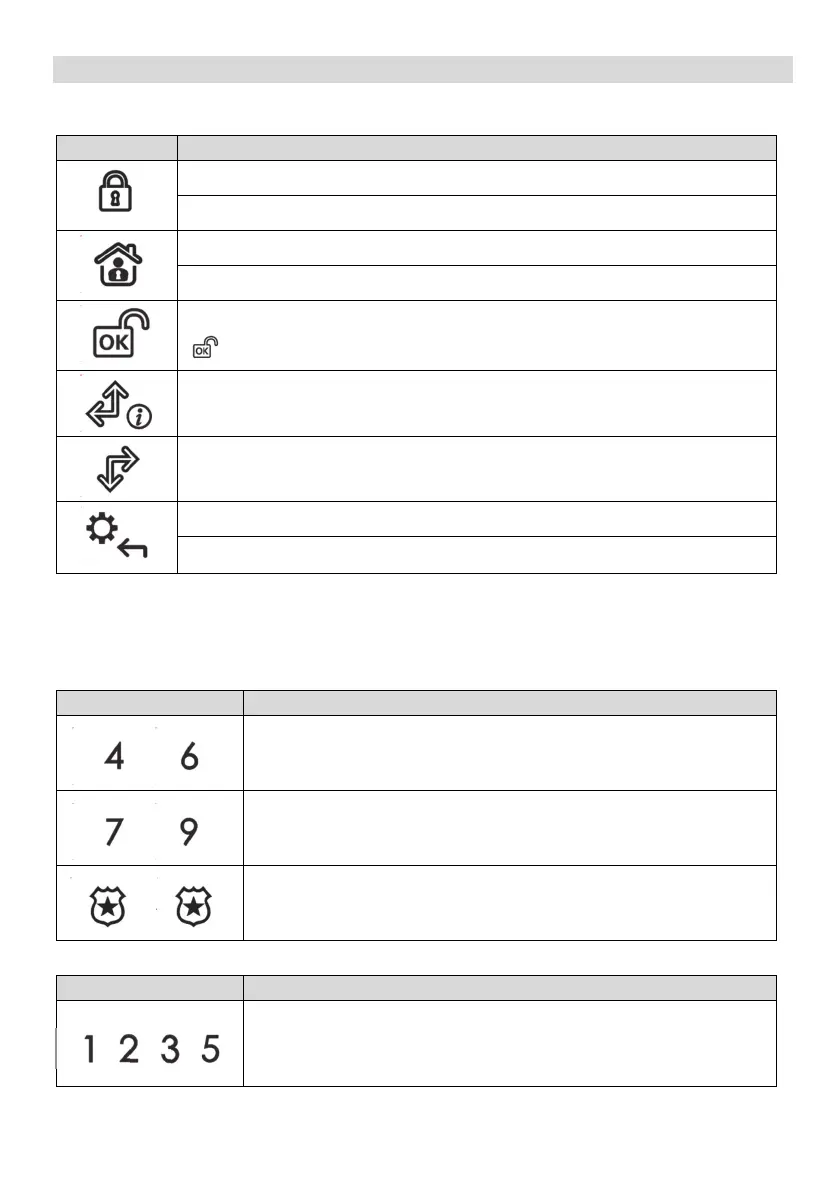
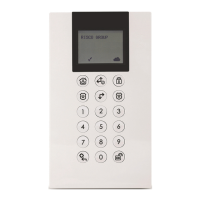
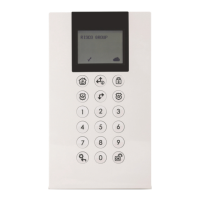
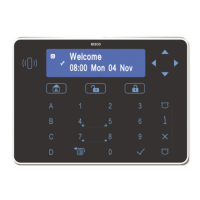
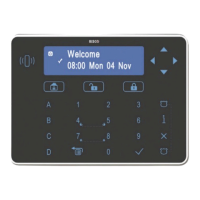
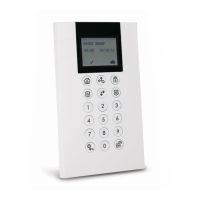
Keypad Keys
Control Keys
Key Operation
In Normal Operation mode: Used for Away (Full setting).
In User Functions menu: Used to change data.
In Normal Operation mode: Used for Stay arming (Part Setting).
In User Functions menu: Used to change data.
Used to disarm (unset) the system after a user code is entered;
is used to terminate commands and confirm data to be stored.
Used to scroll up a list or to move the cursor to the left;
Provides the system status.
Used to scroll down a list or to move the cursor to the right.
In Normal Operation mode: Used to enter the User Functions menu.
In User Functions menu: Used to move back one step in the menu.
Emergency Keys
The following operations will send emergency notifications to the alarm
monitoring station
Key Operation
+
Pressing both keys simultaneously for at least two seconds
activate
s a Fire alarm
+
Pressing both keys simultaneou
sly for at least two seconds
activates an Emergency alarm
+
Pressing both keys simultaneously for at least two seconds
activates a Police (Panic) alarm
Function Keys
Key Operation
Used to arm (set) groups of zones (by default) or to activate a
prerecorded series of commands (macros).
To activate press for 2 seconds
/ / /





 To Next Page