0208
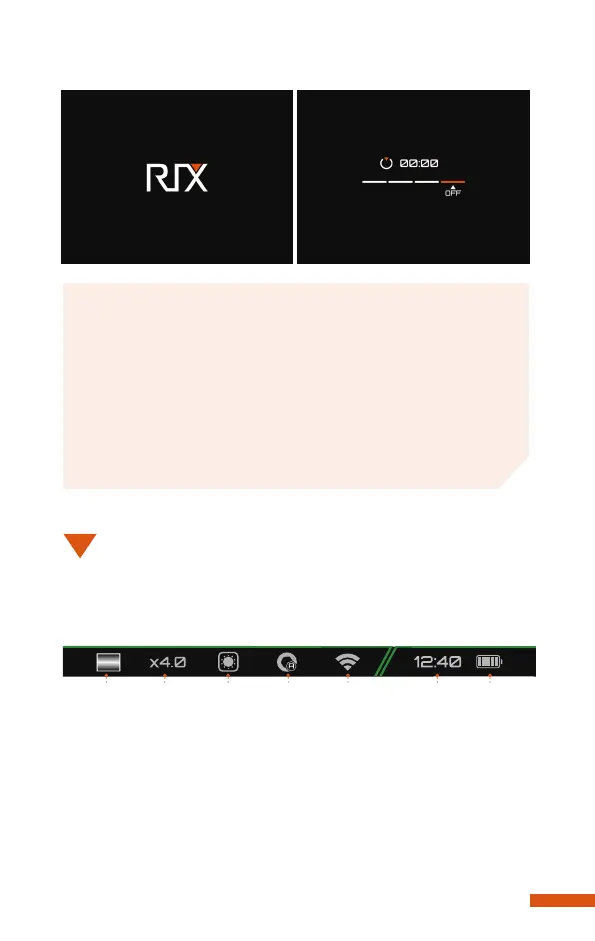
The status bar is located at the bottom of the screen and displays
the operating status information of the device.From left to right:
1. Image mode: White Hot (default), Black Hot, Red Hot, Color,
Highlight (only for K3).
2. Digital zoom: 1×(default), 2×, 4×.
3. Weather mode: Sun, Rain.
4. Auto image correction mode: On/Off.
5. Wi-Fi connection: On/Off.
6. Clock
1 2 3 4 5 6 7
STATUS
BAR
09
Releasing the Power button at any time during this shut-
down cycle will stop the shutdown process.
Note
If using an external power supply, do not disconnect the
power supply when saving data, otherwise the data may
not be saved.
Warning


 To Next Page