13
ELECTRONIC
IMAGE STABILIZATION
12
Note
You could change the name and password of the
Wi-Fi in the app.
In the app, find the Device Parameter icon, and click it
to enter the interface for settings.
In the text box, enter and submit the new Wi-Fi name
(SSID) and password.
After submitting the changes, reset the device to acti-
vate them.
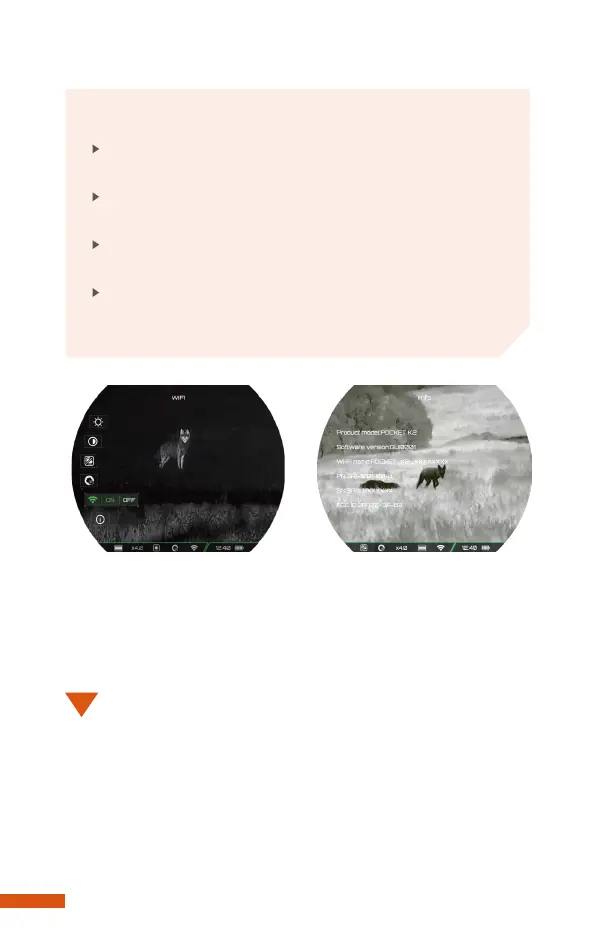
Info
Product information includes the product model, software
version number, WiFi name, PN code, SN code, and FCC ID.
During using, the electronic image stabilization is designed to
minimize image blurring and shaking caused by hand or body
shaking, and other factors that cause the device to shake.
Reducing viewing discomfort caused by image shaking, pro-
viding users with a more stable and comfortable image.


 To Next Page