2.4: Special Keyboard Functions
The following defines the coloured hot keys found on the RM Mobile One.
The hot keys can only be activated when the Fn (Function) key is held
Fn+F1 = “Zz” Icon (F1): Places the RM Mobile One in suspend
mode
Fn+F2 = “Radio” Icon (F2): Toggles the internal wireless on and off
Fn+F5 = Filled Sun Icon (F5): Decreases display brightness
Fn+F6 = Open Sun Icon (F6): Increase display brightness
Fn+F7 = LCD Icon (F7): Toggles the display panel On and Off
Fn+F8 = Monitor Icon(F8): Toggles between display/ external
monitor
Fn+F10 = Speaker Icon (F10): Toggles the speakers on and off
Fn+F11 = Speaker Down (F11): Decreases the speaker volume
Fn+F12 = Speaker Up (F12): Increases the speaker volume
Fn+Ins = Numlock (Ins): Toggles on/off Numlock
Fn+Del = Scr Lock (Del): Toggles on/off scroll lock
2.5 Instant Launch Keys
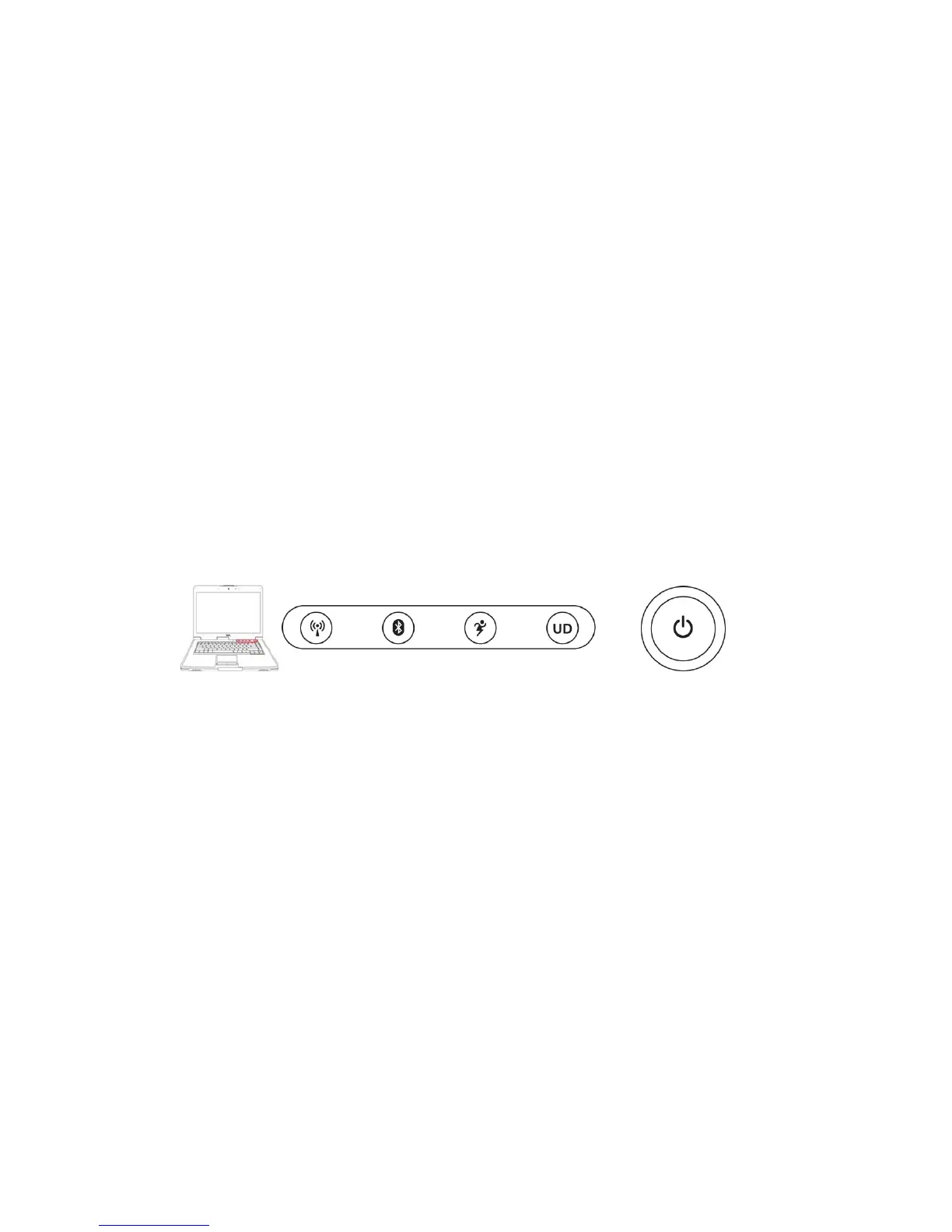
The RM Mobile One is fitted with Instant Launch keys
Wireless LAN Key
This is only applicable on models with internal Wireless LAN. The Wireless LAN key toggles the in-
ternal Wireless LAN ON and OFF. An on-screen display and relevant status indicator will show that
the Notebook PC’s built-in Wireless LAN function is activated.
Bluetooth Key
This is only applicable on models with internal Bluetooth (BT). The Bluetooth key toggles the internal
Bluetooth ON and OFF. An on-screen display and relevant status indicator will show that the Notebook
PC’s built-in Bluetooth (BT) function is activated.
Power4Gear eXtreme Key
The Power4Gear eXtreme key toggles power savings between various power saving modes. The power
saving modes control many aspects of the Notebook PC to maximize performance versus battery time.
Applying or removing the power adapter will automatically switch the system between AC mode and
battery mode. The selected mode is shown on the display.



 To Next Page