Basic Operation
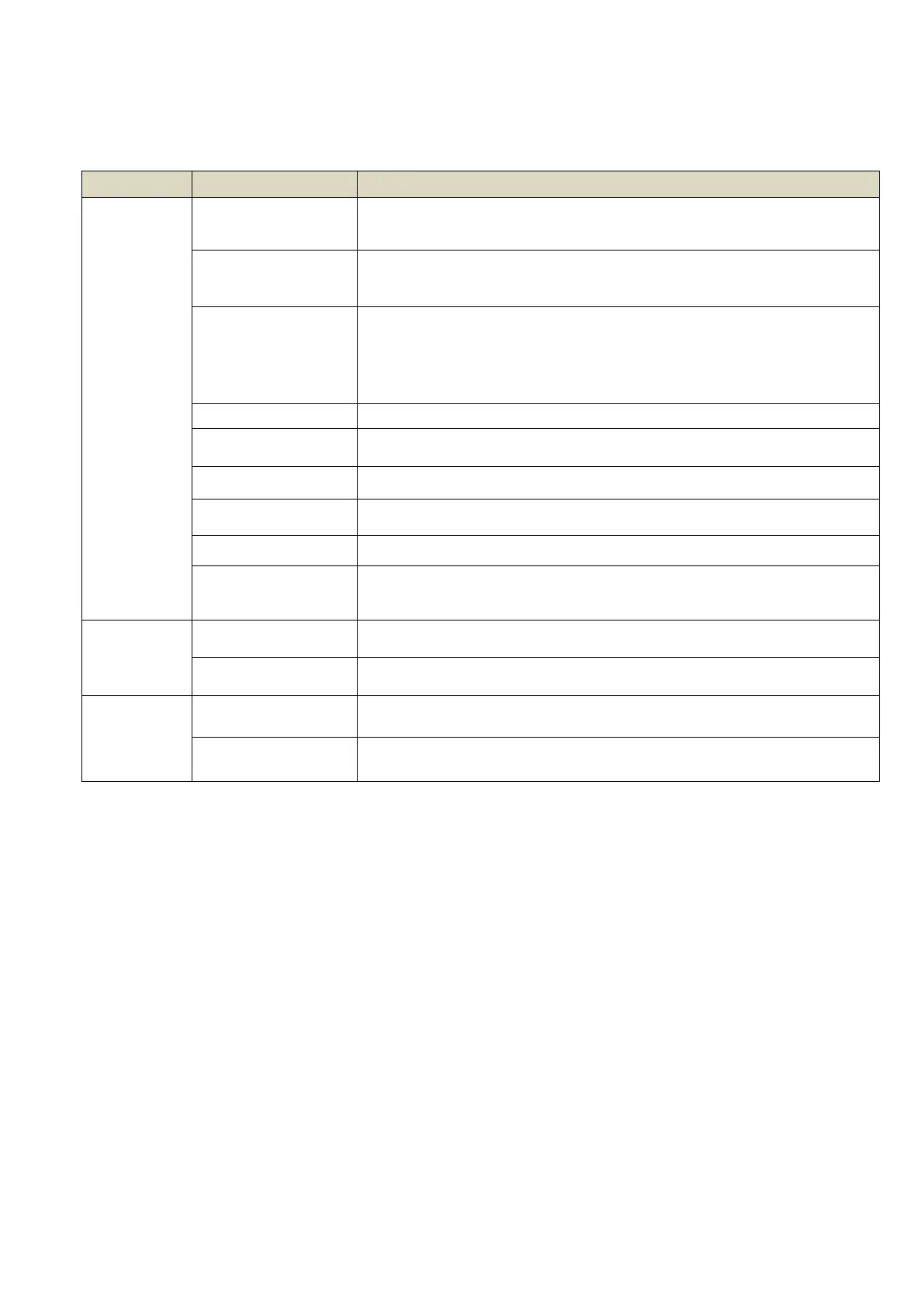
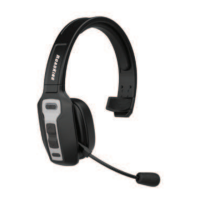
MFB
Power on
When device is off, press and hold the MFB for 2 seconds to
power on.
Power off
When device is on, press and hold the MFB for 3 seconds to
power off.
Enter pairing
mode
When device is off, press and hold the MFB for 3-4 seconds
to enter into pairing mode.
When under disconnected standby mode, short click the MFB
to enter into pairing mode.
Short click when listening to music.
Double-click the MFB to dial the last number called.
Hold down the MFB for 1 second, then release.
Short click when call is incoming
To end a call, short click the MFB.
Reject a call
To decline an incoming call, hold down the MFB for 1
second.
Volume +
Short click the Volume + button to increase volume.
Hold down the Volume + button to skip to the next song.
Volume -
Volume down
Short click the Volume - button to decrease volume.
Hold down the Volume - button to go back to the previous
song.



 To Next Page