9
Presetting radio stations - automatically
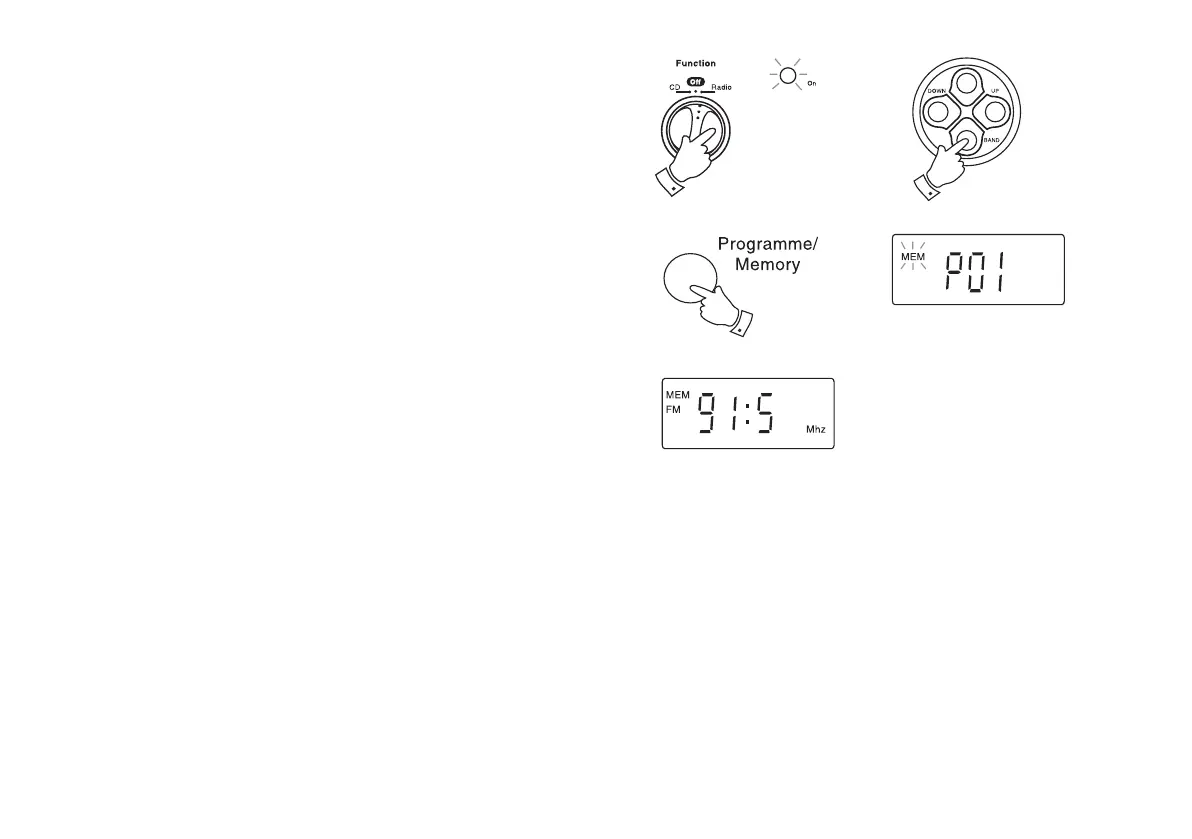
1. Switch on your MP3 CD radio by rotating the Function switch to
the 'Radio' position. The On indicator will light.
2. Press the Waveband button to either the 'FM' or 'MW' position. The
band symbol will appear in the display. On FM fully extend the
telescopic aerial. On MW rotate your radio for best reception.
3. Press and hold the Programme Memory button in for several
seconds. The memory symbol will flash on the display whilst it is
searching. The radio searches for up to 10 radio stations and then
stores them automatically in preset positions 1 - 10 and the memory
symbol remains on the display.
4. After all ten preset positions have been stored the radio will begin
to play the station located in the preset 1 position.
1
2
3
CD9989 Rev 1.pmd 5/24/2005, 10:37 AM10



 To Next Page