If you need any further advice, please call our Technical Helpline on :-
020 8758 0338 (Mon-Fri)
22
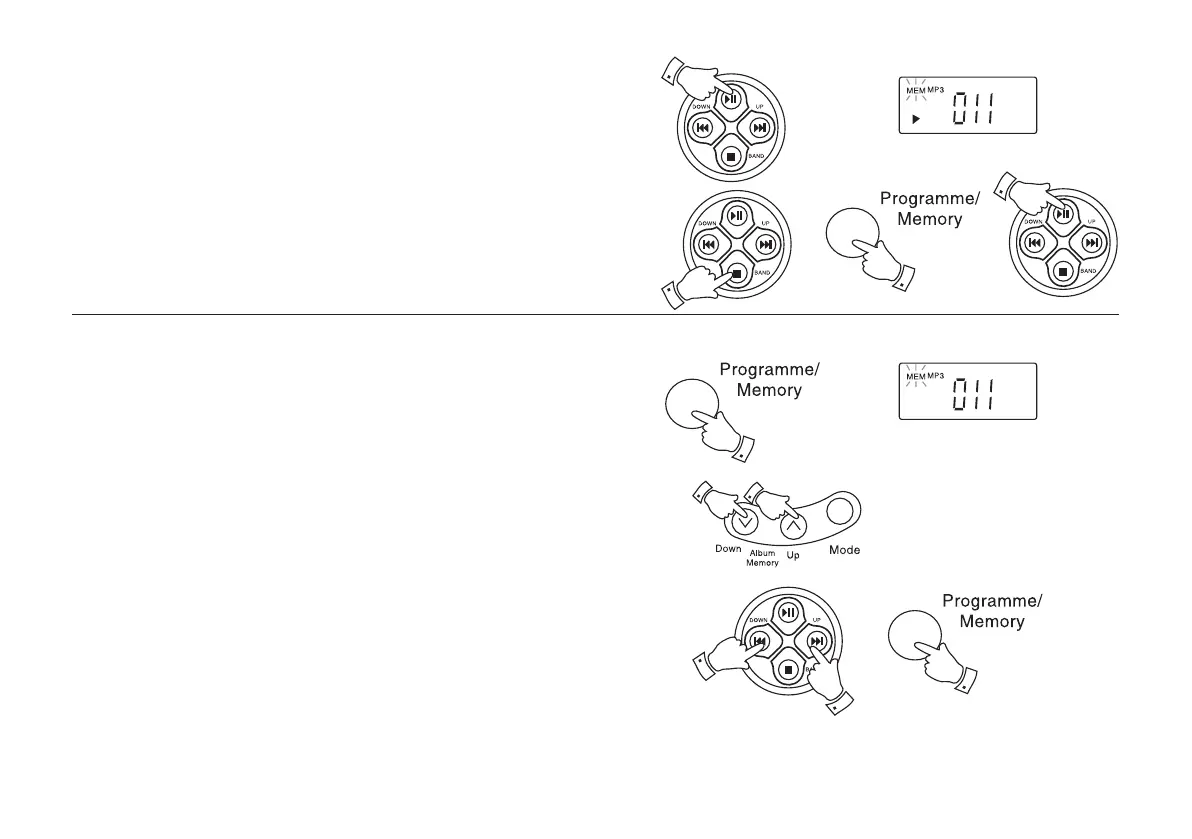
Playing a programmed track
1. Start programmed play by pressing the Play/Pause button. Playback
begins with the first programmed file.
2. To stop playback press the Stop button.
3. To play the programmed track again press the Programme/
Memory button and then Play/Pause button.
Editing a programme
1. In Stop mode, repeatedly press the Programme/Memory button
until the file number you require appears in the display.
2. Select the number of the new folder by pressing the Album/
Memory Down or Up buttons.
3. Select the number of the new file or track by pressing the F. Skip
or B. Skip buttons.
4. Press the Programme/Memory button to store the new file.
1
2
3
3
1
3
3
4
2
2
CD9989 Rev 1.pmd 5/24/2005, 10:37 AM23



 To Next Page