20
1
SD / USB mode cont.
Inserting and removing a USB memory device
Carefully insert a USB memory device into the USB socket.
To remove the USB memory device simply pull the device out.
Selecting SD/USB mode
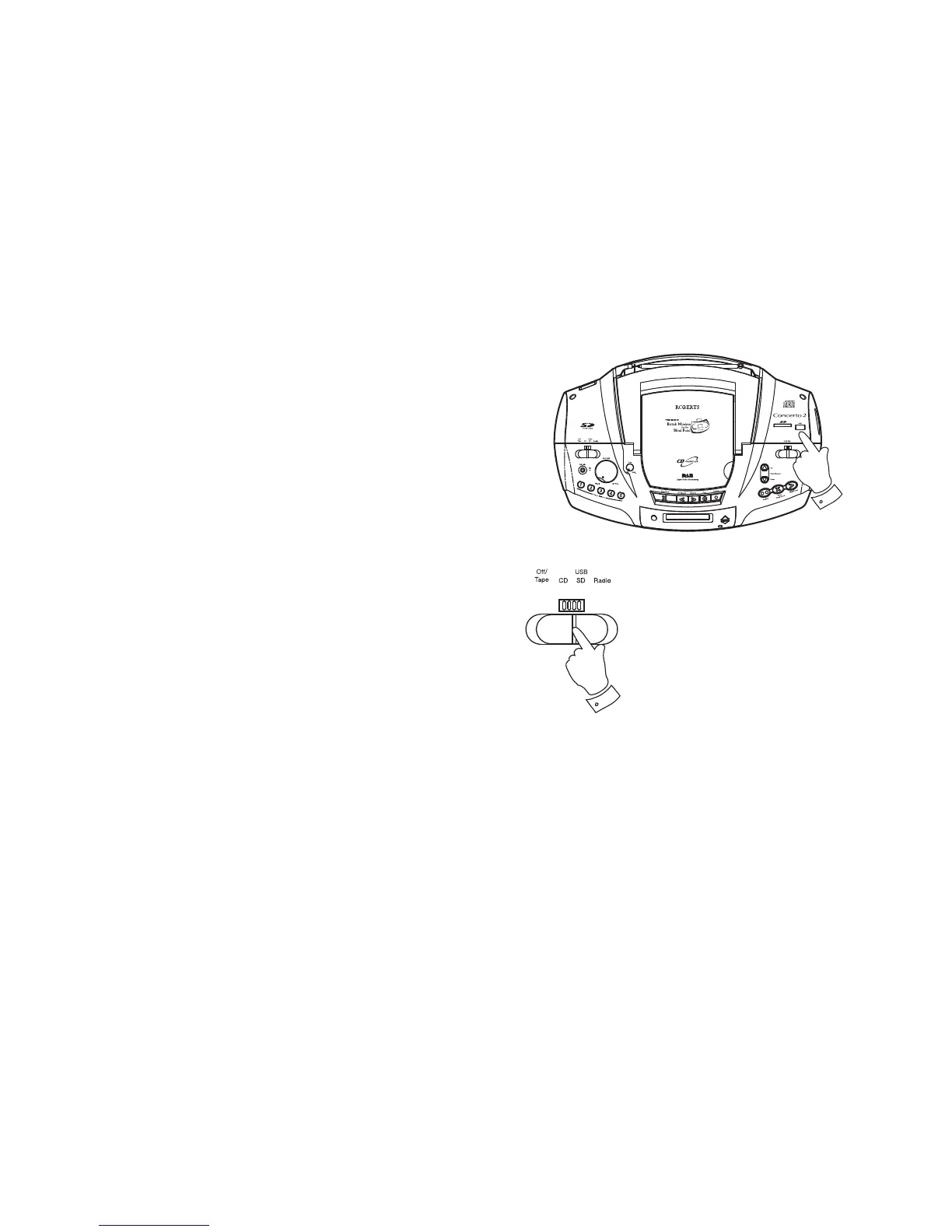
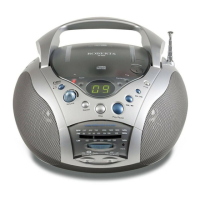
1. To select the SD/USB mode slide the Function switch to SD/USB
position.
Playback control in SD/USB mode is similar to CD-MP3/WMA mode (see
pages 15-18). MP3 and WMA fi les are played back in the order that they
are written to the SD/USB memory device by your computer.
Note: In the event that the SD card and USB memory are inserted in
their sockets, then the radio will generally use whichever was the most
recently added. Removing one will then cause the radio to start reading
from the other.
Note: The SD card / USB memory device should not be removed during
playback or recording as damage or corruption of fi les may occur.


 To Next Page