21
Listening to cassette tapes
Note: This unit is not suitable for recording onto CHROME (IEC II) or METAL
(IEC IV) cassettes. For playback any cassette type may be used
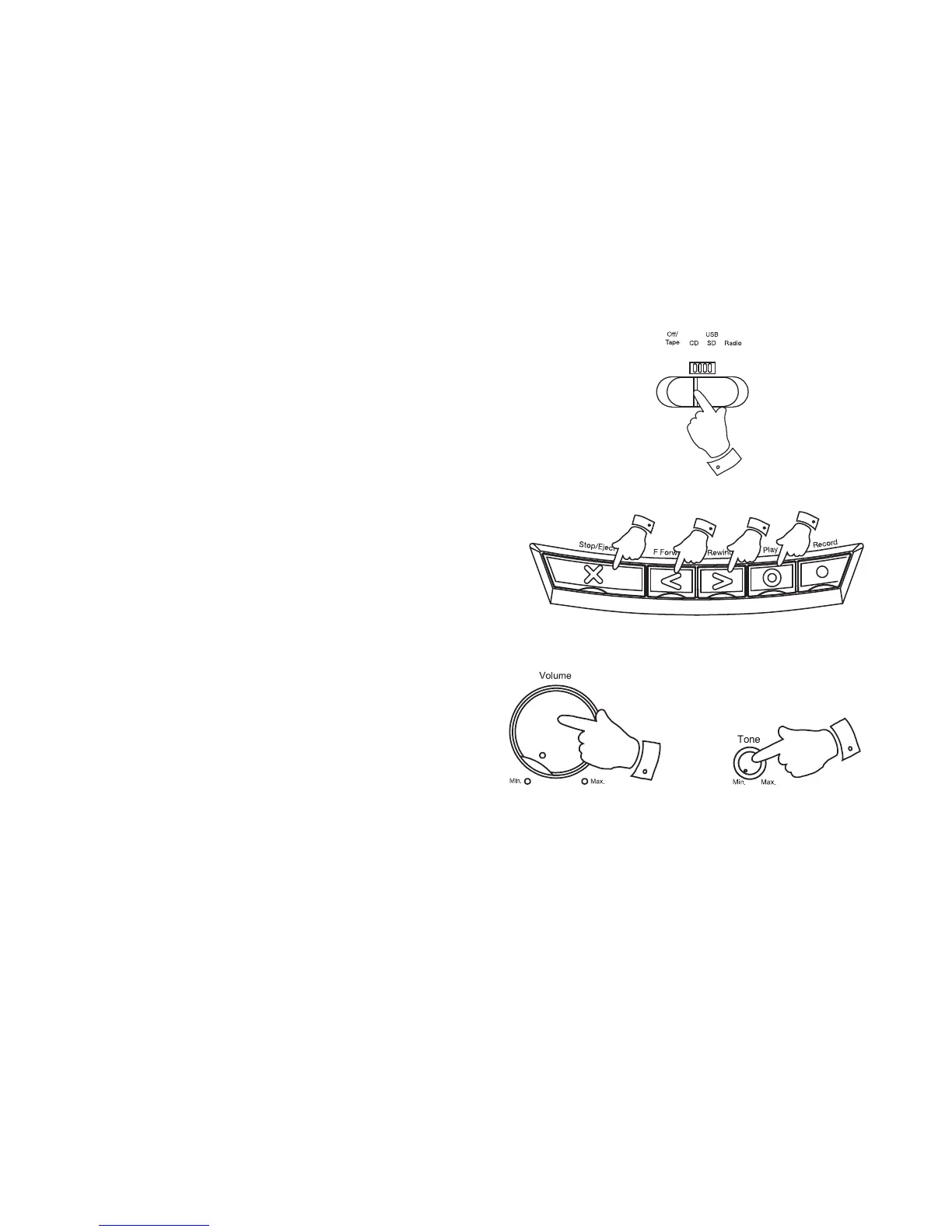
1. Slide the Function switch to the Tape position.
2. Press the Stop Eject key to open the Cassette compartment.
3. Insert a pre-recorded cassette with the tape surface upwards and the
side with the desired recording facing towards you.
4. Close the Cassette compartment.
5. Depress the Play key and adjust the Volume and Tone controls to
suit your personal taste.
6. Use the Fast forward or Rewind keys to locate a specifi c part of the
tape.
7. To stop the tape press the Stop/Eject key.
1
2,7
66
5
5
5


 To Next Page