22
Recording from the Radio
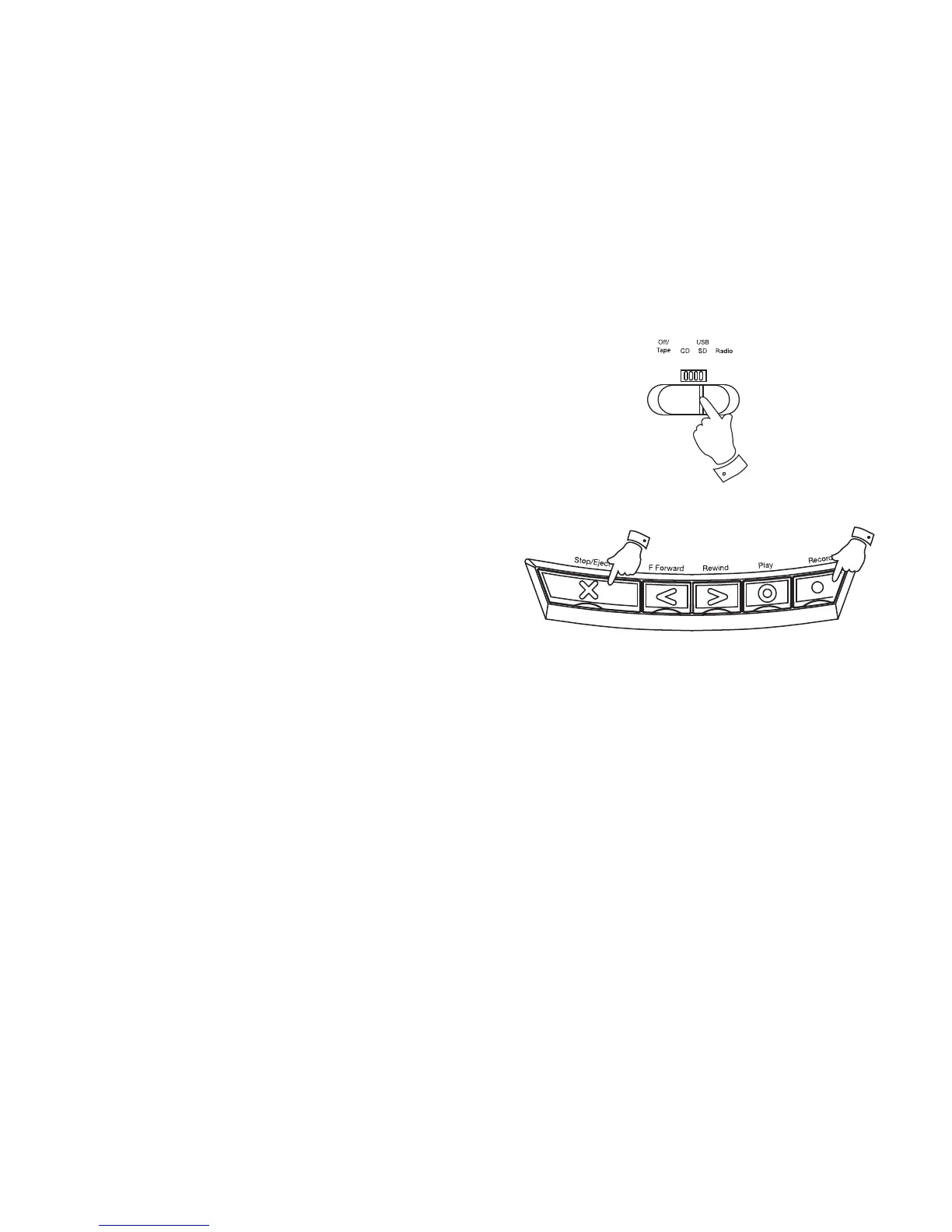
1. Slide the Function switch to the Radio position.
2. Tune in to the desired station.
3. Adjust the Volume control to suit your requirements.
4. Insert a blank cassette with the tape surface uppermost and the side
you wish to record on facing towards you.
5. Depress the Record key to commence recording.
6. The recording level is set automatically and is not affected by the
setting of the Volume control.
7. To stop the recording, press the Stop/Eject key.
8. To switch off your CD radio cassette slide the Function switch to the
Tape/Off position.
7
5
1


 To Next Page