If you need any further advice, please call our Technical Helpline on :-
0181 758 0338 (Mon-Fri)
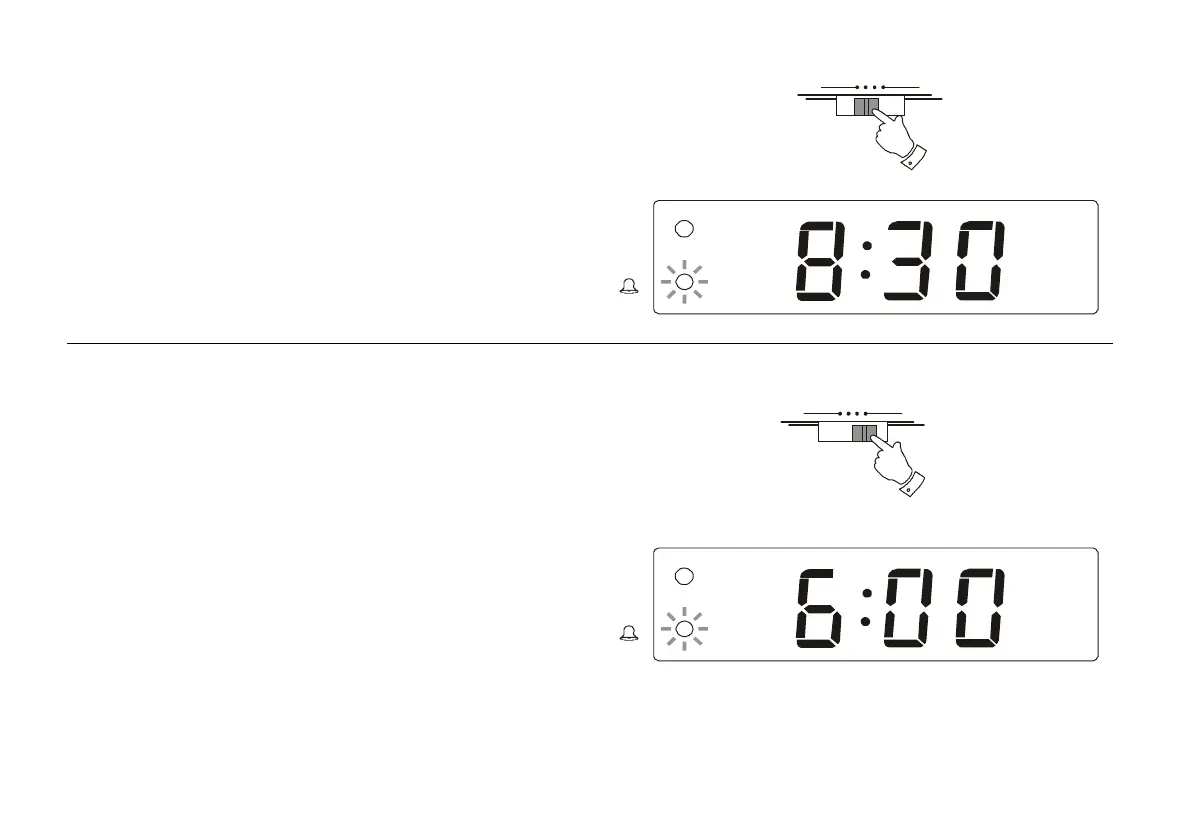
Setting the alarm to wake to buzzer
1. Set the alarm time as previously described. Set the Function switch
to the 'Buzz' position. The Alarm indicator will light.
The alarm will sound every day at the preset time for 59 minutes. To
turn off the alarm until the next day press the Alarm/Off button.
To turn off the alarms permanently set the Function selector to the
'Off' position.
Setting the alarms to wake to radio
1. Set the alarm time as previously described. Set the Function switch
to the 'Auto' position. The Alarm indicator will light.
Ensure that the volume is set to the correct level and the desired station
is tuned in.
The alarm will sound every day at the preset time for 59 minutes.
To turn off the alarm until the next day press the Alarm/Off button.
To turn off the alarms permanently set the Function selector to the
'Off' position.
6
O ff Buzz Auto O n
O ff Buzz Auto O n
PM
PM
CR9901 Instruction Book.pm6 24/10/99, 13:487



 To Next Page