Snooze control
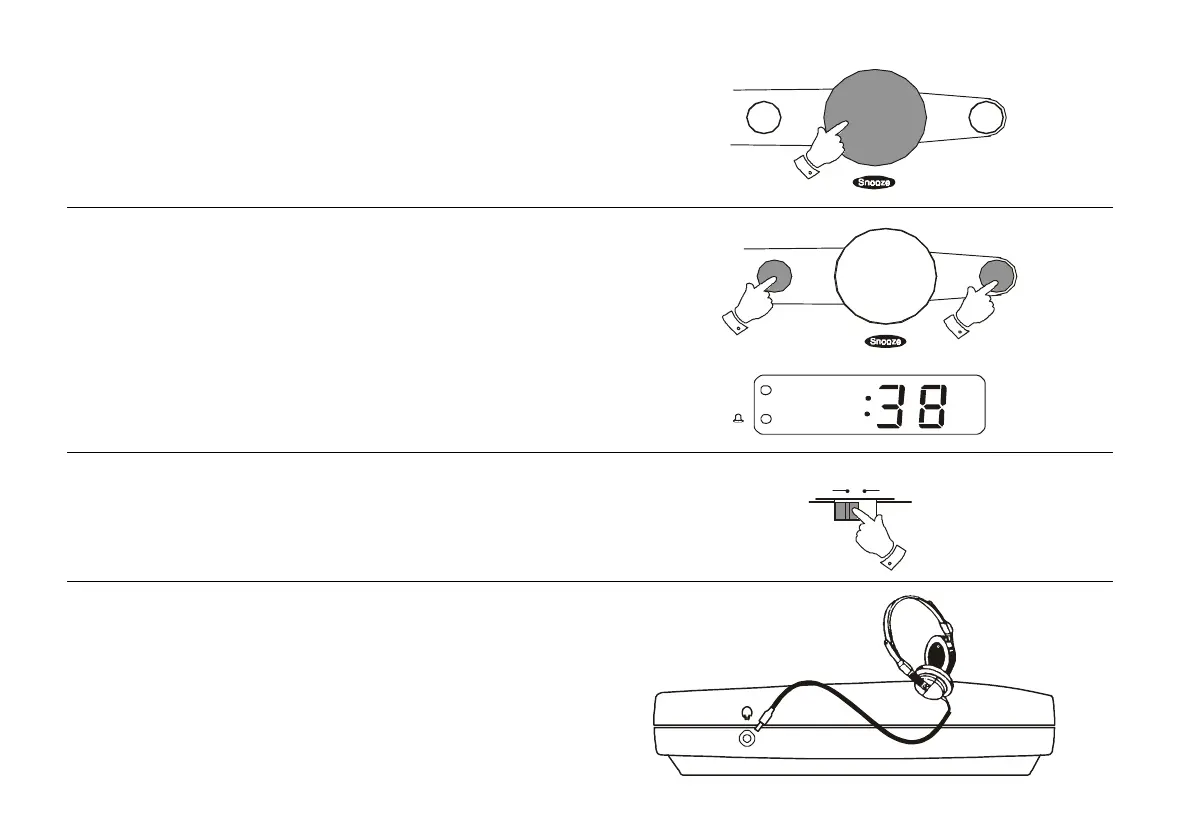
The radio or buzzer alarm can be silenced for 7 minutes by pressing the
Snooze button. This sequence can be repeated whilst the alarm is
sounding.
Sleep timer
The radio can be set to turn off after a preset time has elapsed.
Press and hold down the Sleep button until the desired time is reached
(maximum 59 minutes in 1 minute steps). The radio will switch off after the
sleep time has elapsed.
To cancel the sleep function before the preset time has expired, press the
Alarm/Off button.
PM
7
Dimmer Switch
The Dimmer switch located on the left side of your clock radio will allow
you to adjust the intensity of the clock display to suit room brightness.
H igh Low
Dim m er
Headphones (on rear)
A Headphone Socket (3.5mm) is provided for use with either headphones
or an earpiece. Inserting a plug automatically mutes the internal loud-
speaker.
A
l
a
r
m
/
O
f
f
A
l
a
r
m
/
O
f
f
CR9901 Instruction Book.pm6 24/10/99, 13:488



 To Next Page