Sleep timer
The R737 has a built in sleep timer which will automatically switch off the
receiver after the preset time has elapsed.
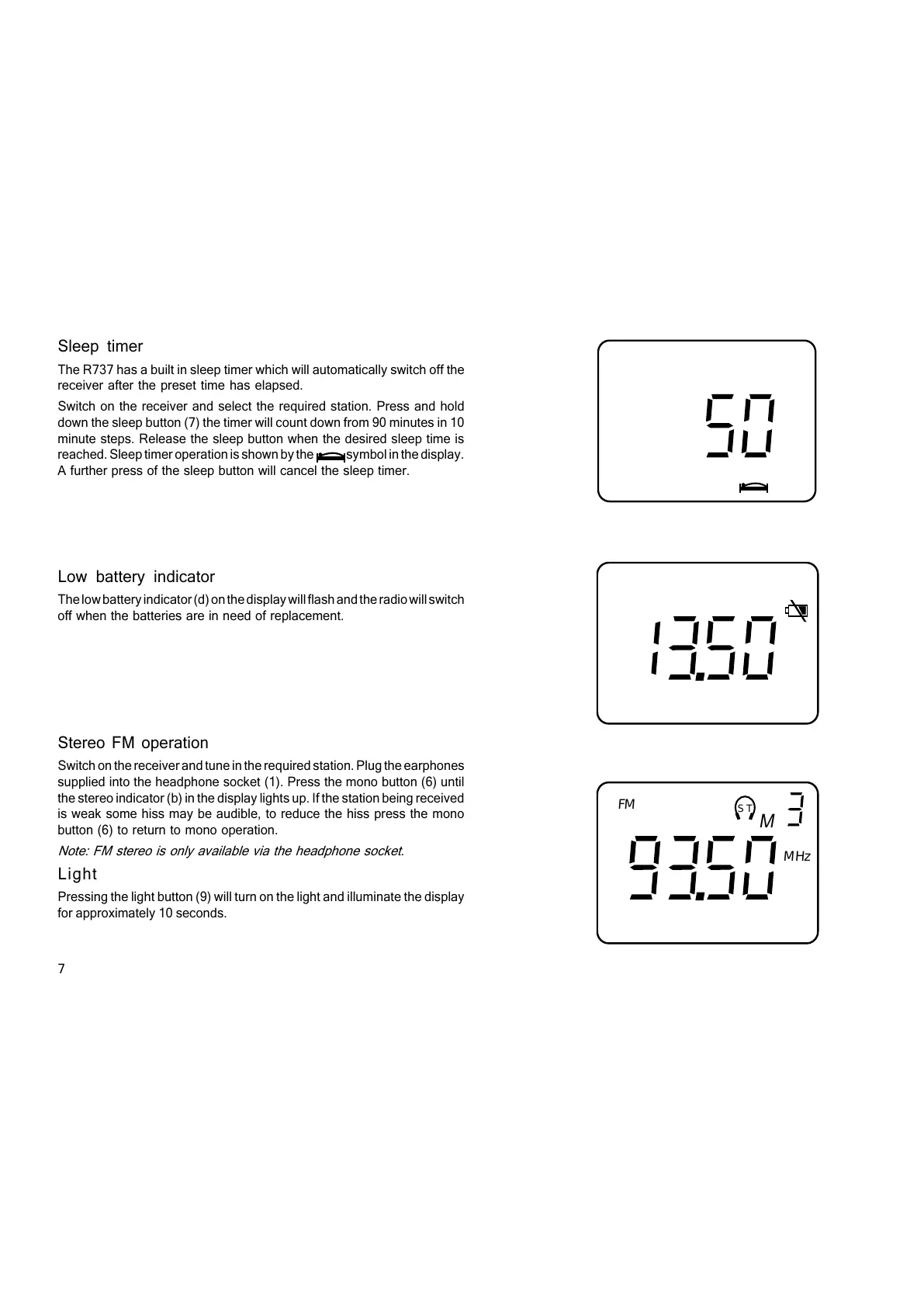
Switch on the receiver and select the required station. Press and hold
down the sleep button (7) the timer will count down from 90 minutes in 10
minute steps. Release the sleep button when the desired sleep time is
reached. Sleep timer operation is shown by the symbol in the display.
A further press of the sleep button will cancel the sleep timer.
Low battery indicator
The low battery indicator (d) on the display will flash and the radio will switch
off when the batteries are in need of replacement.
Stereo FM operation
Switch on the receiver and tune in the required station. Plug the earphones
supplied into the headphone socket (1). Press the mono button (6) until
the stereo indicator (b) in the display lights up. If the station being received
is weak some hiss may be audible, to reduce the hiss press the mono
button (6) to return to mono operation.
Note: FM stereo is only available via the headphone socket.
ST
MHz
FM
M
Light
Pressing the light button (9) will turn on the light and illuminate the display
for approximately 10 seconds.
7



 To Next Page