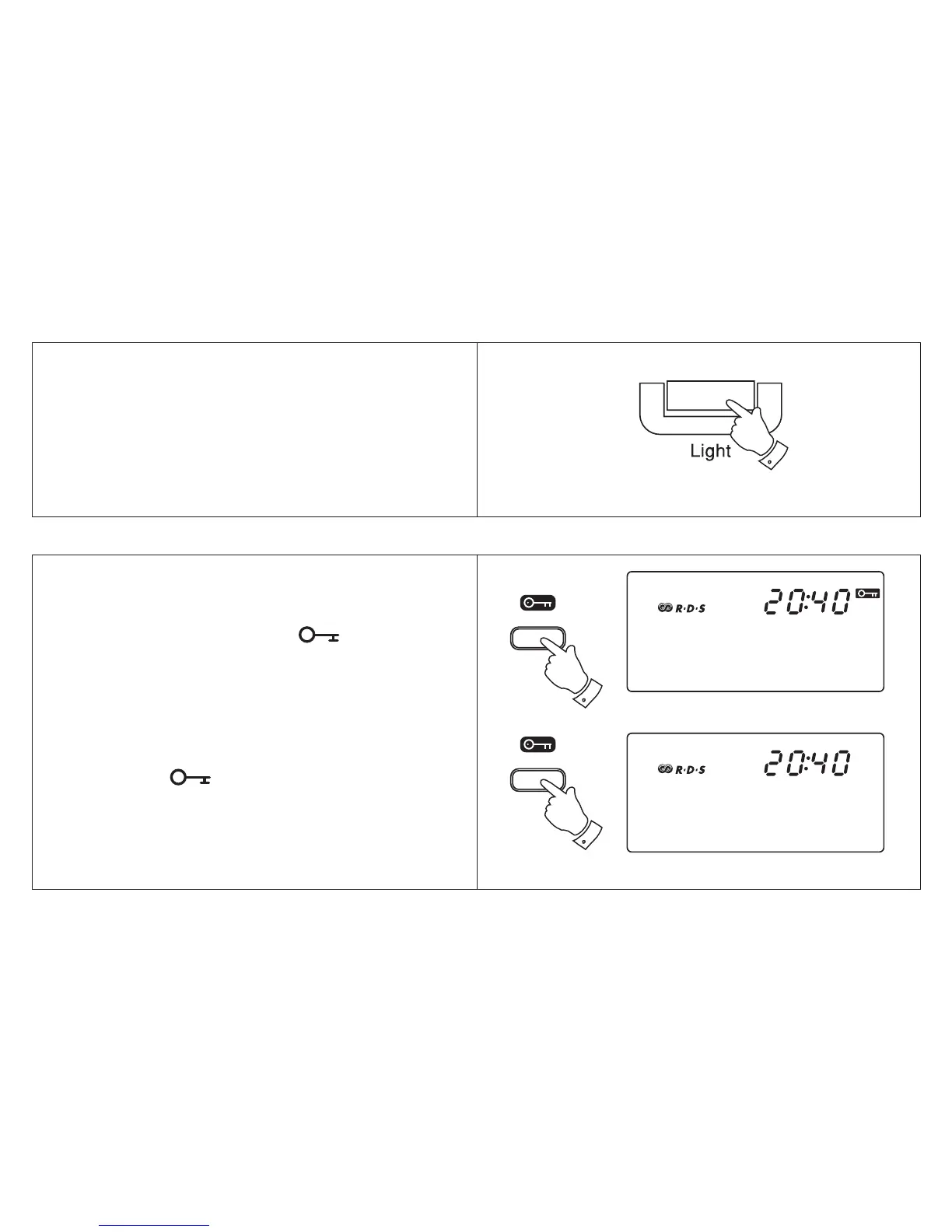
1. Pressing the Light button will switch on the
display backlight and illuminate the display for
approximately 7 seconds.
Display backlight
The Lock button is used to prevent
unintentional operation.
1. Press the Lock button , the symbol
will appear in the display. The Power and
all other buttons will be disabled. This will
prevent accidental operation when the radio
is packed in a suitcase.
2. To release the lock function press the Lock
button, the symbol will be removed
from the display.
Lock button
20



 To Next Page