If you need any further advice, please call our Technical Helpline on :-
020 8758 0338 (Mon-Fri)
16
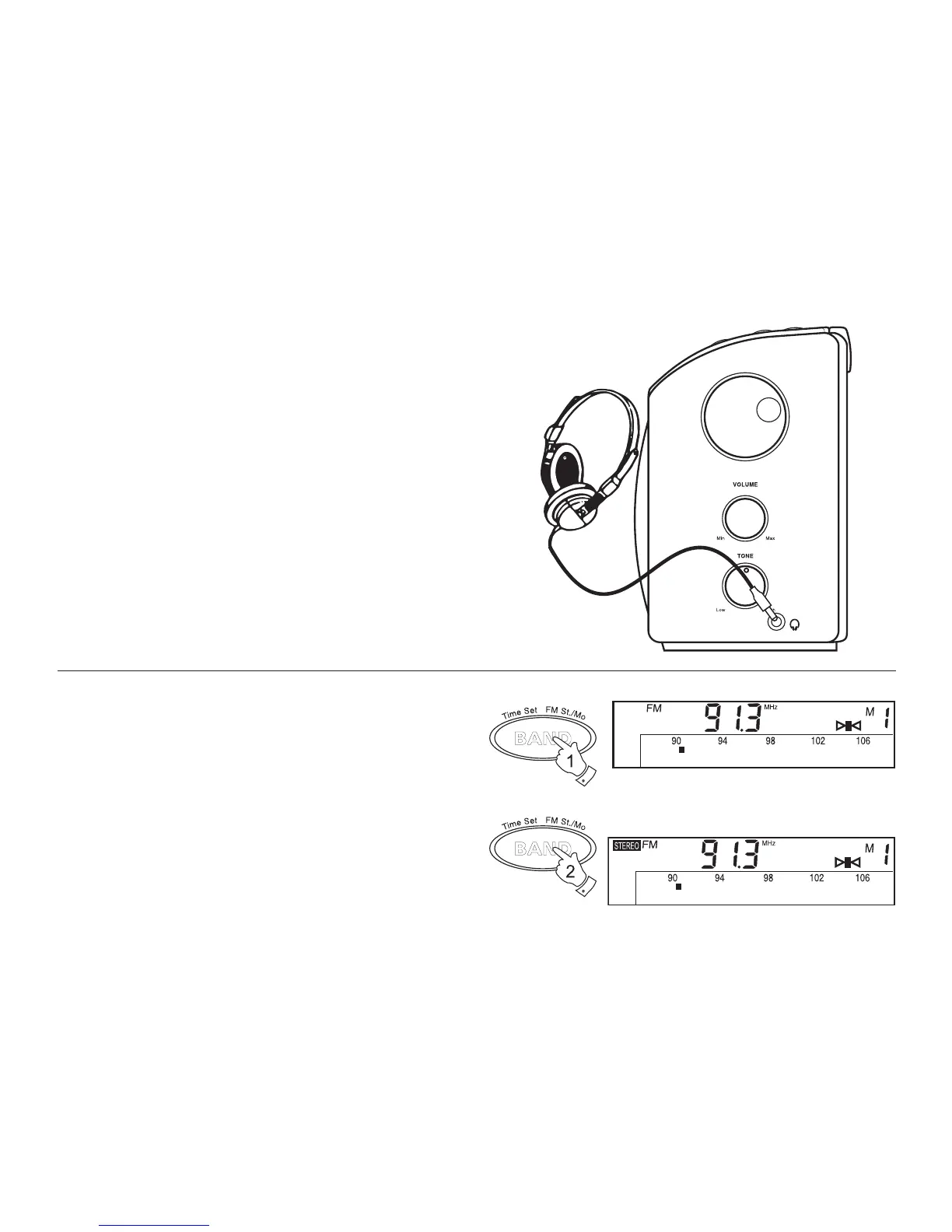
Headphone socket
A 3.5mm Headphone Socket located on the right-hand end of you radio
is provided for use with either headphones or an earpiece. Inserting a
plug automatically mutes the internal loudspeaker.
FM Stereo/Mono button
1. If a station being received is weak some hiss may be audible. To
reduce the hiss press and hold down the FM St./Mono button to
switch to mono mode. The stereo indicator will be removed from the
display.
2. Press and hold down the FM St./Mono button to return to FM
stereo operation.
Note: FM stereo is only available when using earphone/headphones



 To Next Page